# Try a local Insights demo
You can explore a demo of Postman Insights capabilities on a local Docker instance. A prerequisite for the demo is that you've locally installed and configured [Docker](https://www.docker.com/get-started/).
To get started, do the following:
1. Add Insights to your workspace. Access your **Workspace settings** and turn on **Insights**.
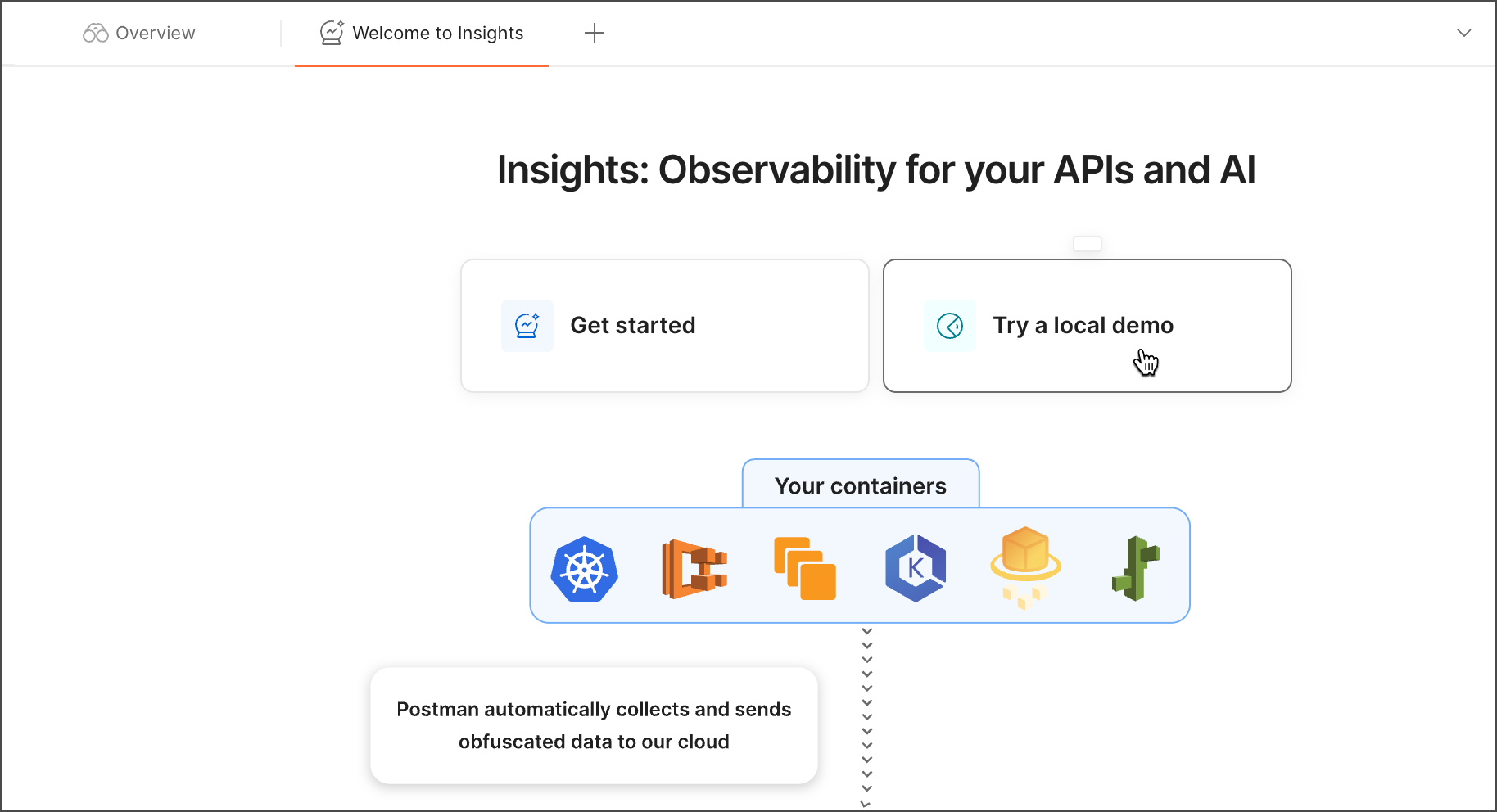
 2. Select **Insights** from the sidebar and click **Try a local demo**. This action creates a new Insights project.
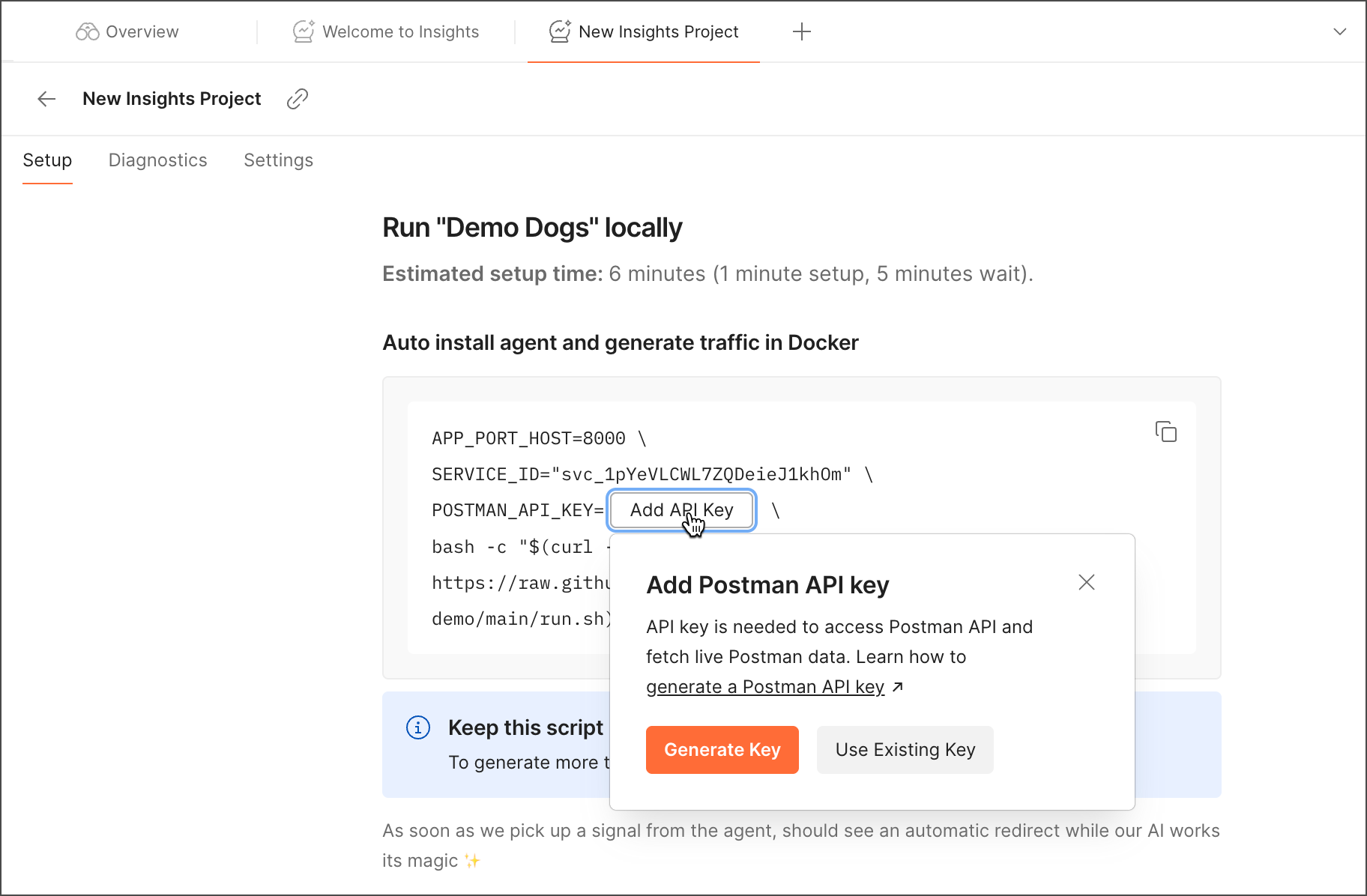
 3. Copy the agent install script. The script installs the Insights Agent to generate traffic in Docker. It contains your project ID (formatted as *svc\_xxxxxxxxxx*) and API key. The project ID is autopopulated, but if you need to retrieve it, you'll find it in the **Diagnostics** tab. To insert your API key, click **Generate Key** or **Use Existing Key**.
 4. Run the script on your command line. You'll need to input your local password to start the install. Your Docker container will show your API traffic.
**Command not working?** Check that the Docker port number in the command line matches the port number where you're running Docker.
4. Run the script on your command line. You'll need to input your local password to start the install. Your Docker container will show your API traffic.
**Command not working?** Check that the Docker port number in the command line matches the port number where you're running Docker.