> For clean Markdown content of this page, append .md to this URL. For the complete documentation index, see https://learning.postman.com/llms.txt. For full content including API reference and SDK examples, see https://learning.postman.com/llms-full.txt.
# Share local changes
When you work in [local mode](/docs/use/native-git/overview/), you can share your in-progress changes with your teammates before you push the changes to Postman Cloud. Your changes can include collections, environments, and API specifications.
## Share a link to changes in local mode
To share your local changes for review before pushing them to Postman Cloud, do the following:
1. Make your changes in local mode.
2. In the sidebar, open the  **Local history** tab.
3. Click
**Local history** tab.
3. Click  **Copy link** in the **Workspace** section.
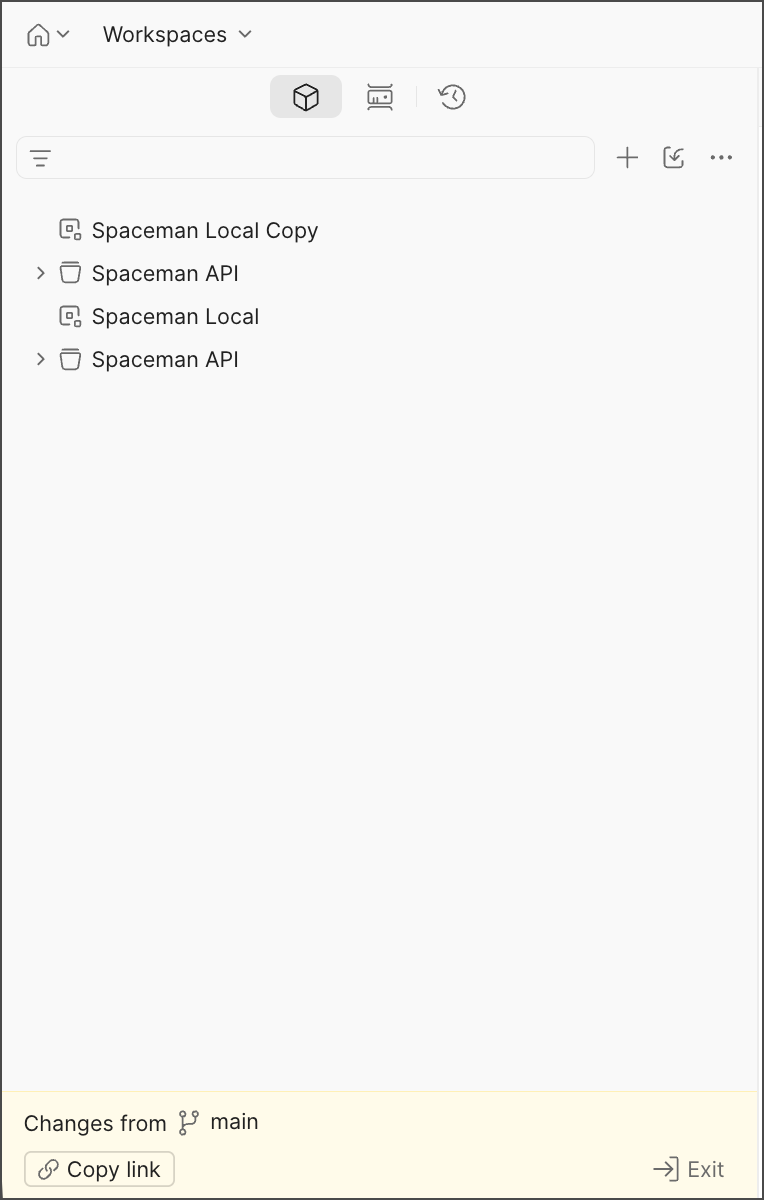
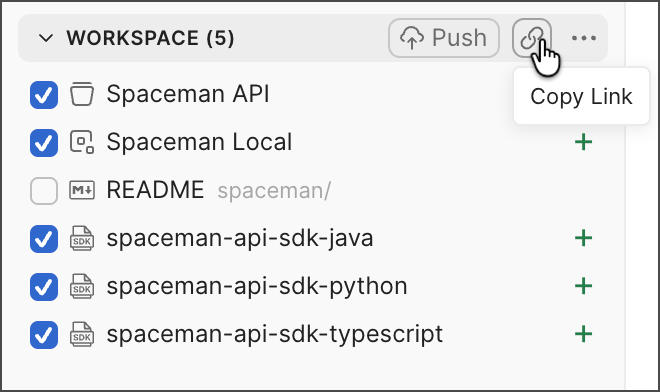 Send the link to teammates, and they can open it to view and comment on your changes. Anyone on your team can access the link, even if they don't have permission to access the parent Git repository.
 ## Update the link with new changes
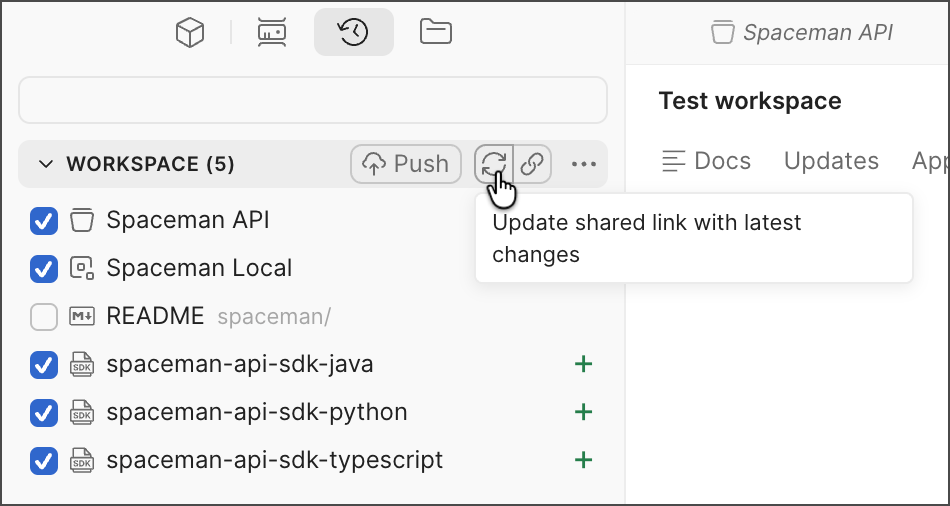
To publish any further changes made in local mode, click **Update shared link with latest changes** next to **Copy link**. This updates the shared link with the latest local changes.
## Update the link with new changes
To publish any further changes made in local mode, click **Update shared link with latest changes** next to **Copy link**. This updates the shared link with the latest local changes.
 ## Unshare changes
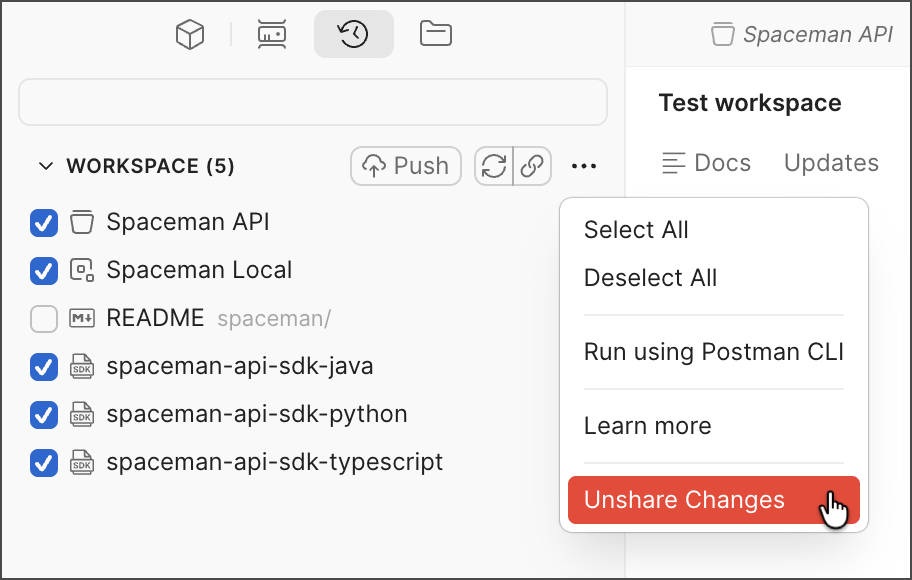
To unshare the changes, click
## Unshare changes
To unshare the changes, click  **View more actions** in the same **Workspace** section and select **Unshare changes**. This action unpublishes the changes so your teammates with the link can no longer access the previously shared changes.