***
title: Custom SAML
approved: 2023-03-21T00:00:00.000Z
max-toc-depth: 2
----------------
This feature is available on Postman Enterprise plans and Team plans with the Simple Security add-on. For more information, see the [pricing page](https://www.postman.com/pricing/).
To configure SSO with custom SAML, create a custom SAML application in your identity provider (IdP). Your IdP must support the SAML 2.0 standard. Also, you must be an administrator in both the IdP and Postman to configure SSO for your team.
You can configure SSO with custom SAML if Postman doesn't explicitly support an IdP. If Postman does explicitly support an IdP, Postman recommends selecting the IdP as the authentication type and following the documented instructions. For more information about which IdPs Postman supports, see [Supported IdPs](/docs/administration/sso/intro-sso/#supported-idps).
## Configuring SSO with custom SAML
Before configuring SSO with custom SAML, you must [configure SSO in Postman](/docs/administration/sso/admin-sso/). When choosing the **Authentication Type**, select **SAML 2.0**. Name your authentication and **Continue**.
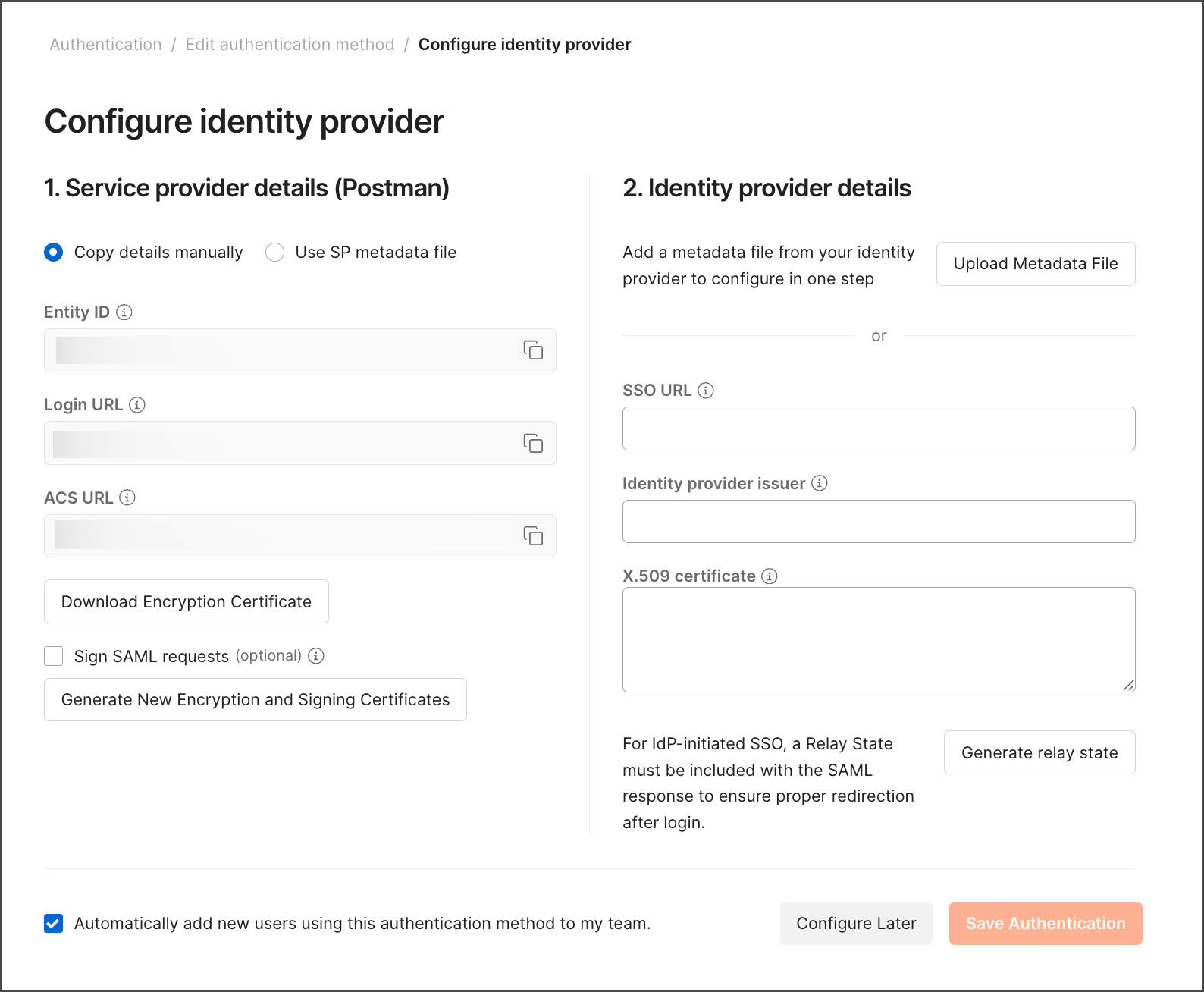 To continue configuring SSO with custom SAML, follow your IdP's steps to create a custom SAML application.