***
title: Google Workspace
updated: 2025-07-25T00:00:00.000Z
max-toc-depth: 2
----------------
This feature is available on Postman Enterprise plans and Team plans with the Simple Security add-on. For more information, see the [pricing page](https://www.postman.com/pricing/).
To configure SSO with [Google Workspace](https://workspace.google.com/), create a custom SAML application. You must be an administrator in both Google Workspace and Postman to configure SSO for your team.
## Set up a custom SAML application in Google Workspace
To create a custom SAML application in Google Workspace, do the following:
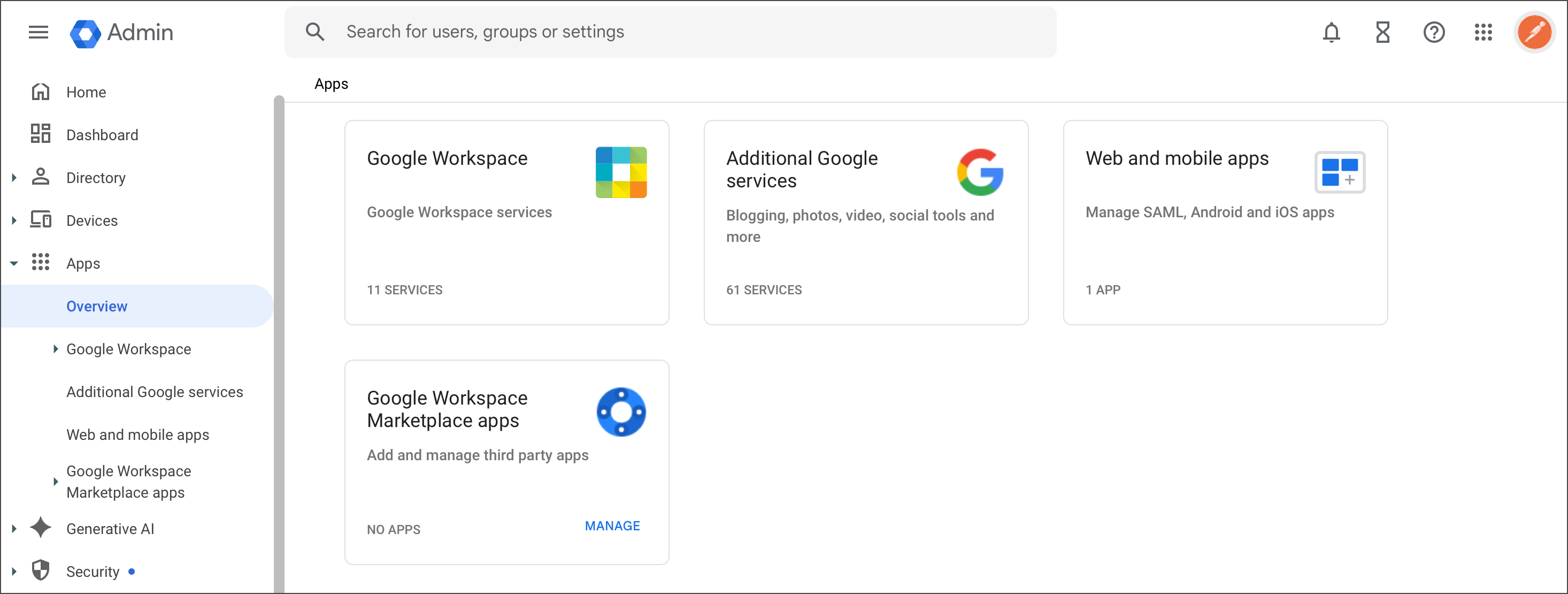
1. From the Google admin console, select **Apps > Overview** and click **Web and mobile apps**.
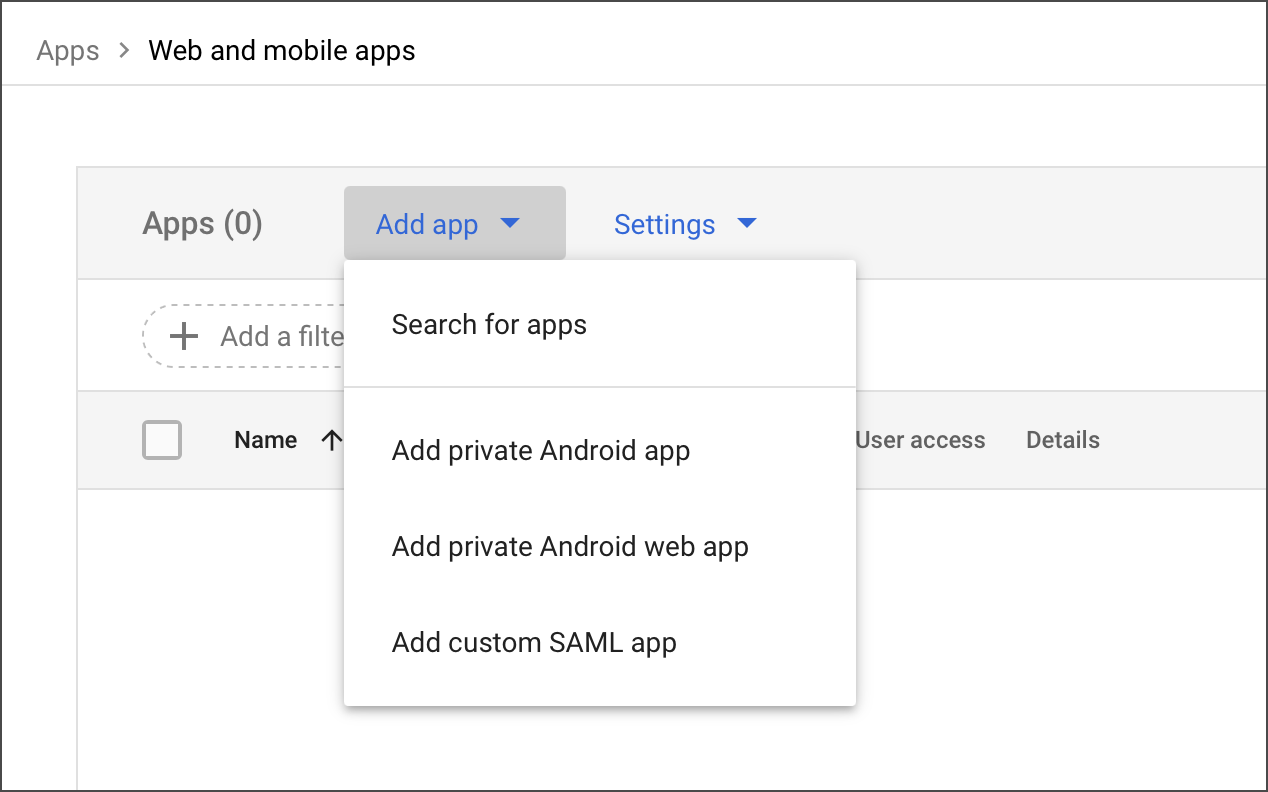
2. Click **Add app** and select **Add custom SAML app**.
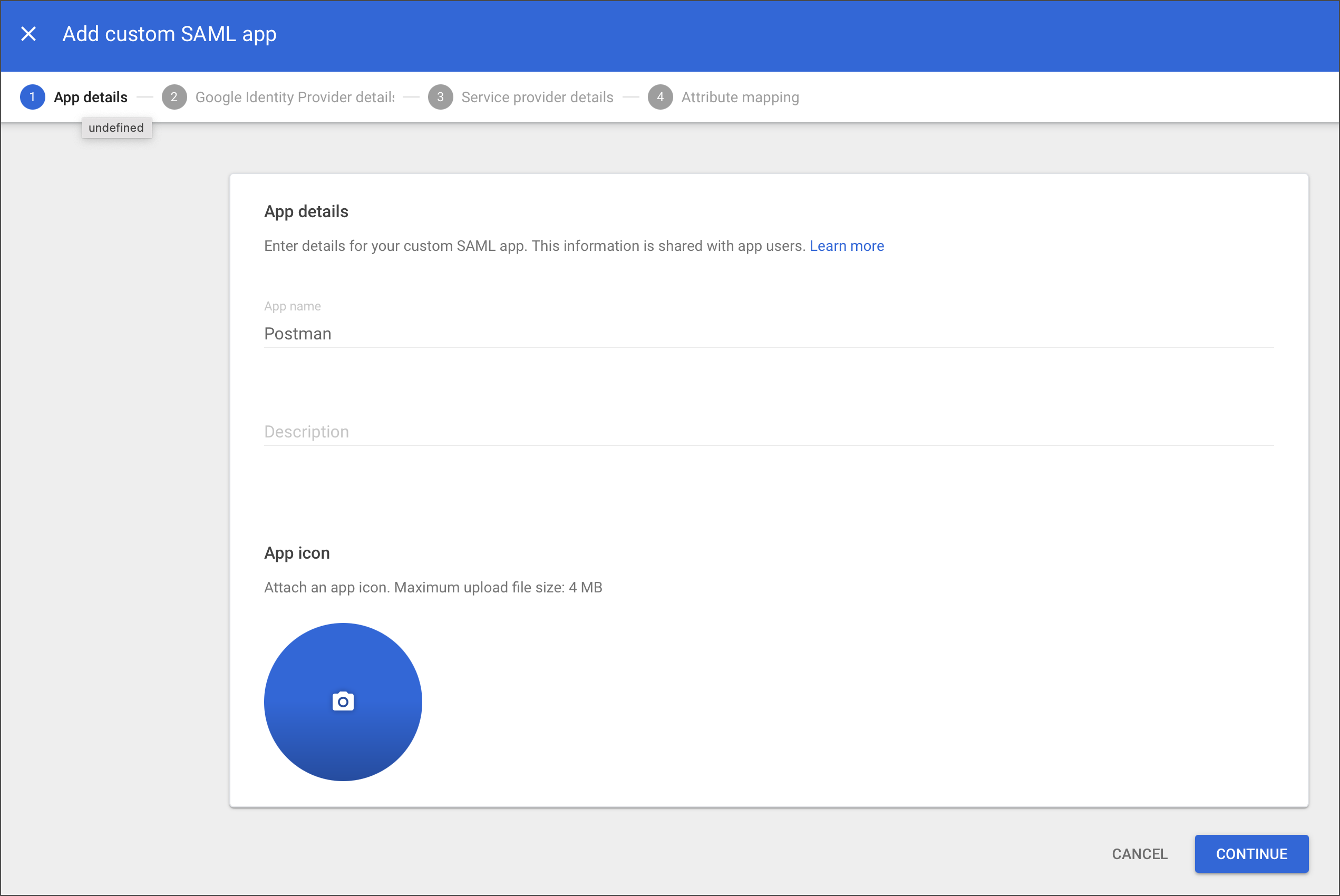
3. Enter an application name (for example, "Postman SAML App") and fill out any other optional fields. Click **Continue**.
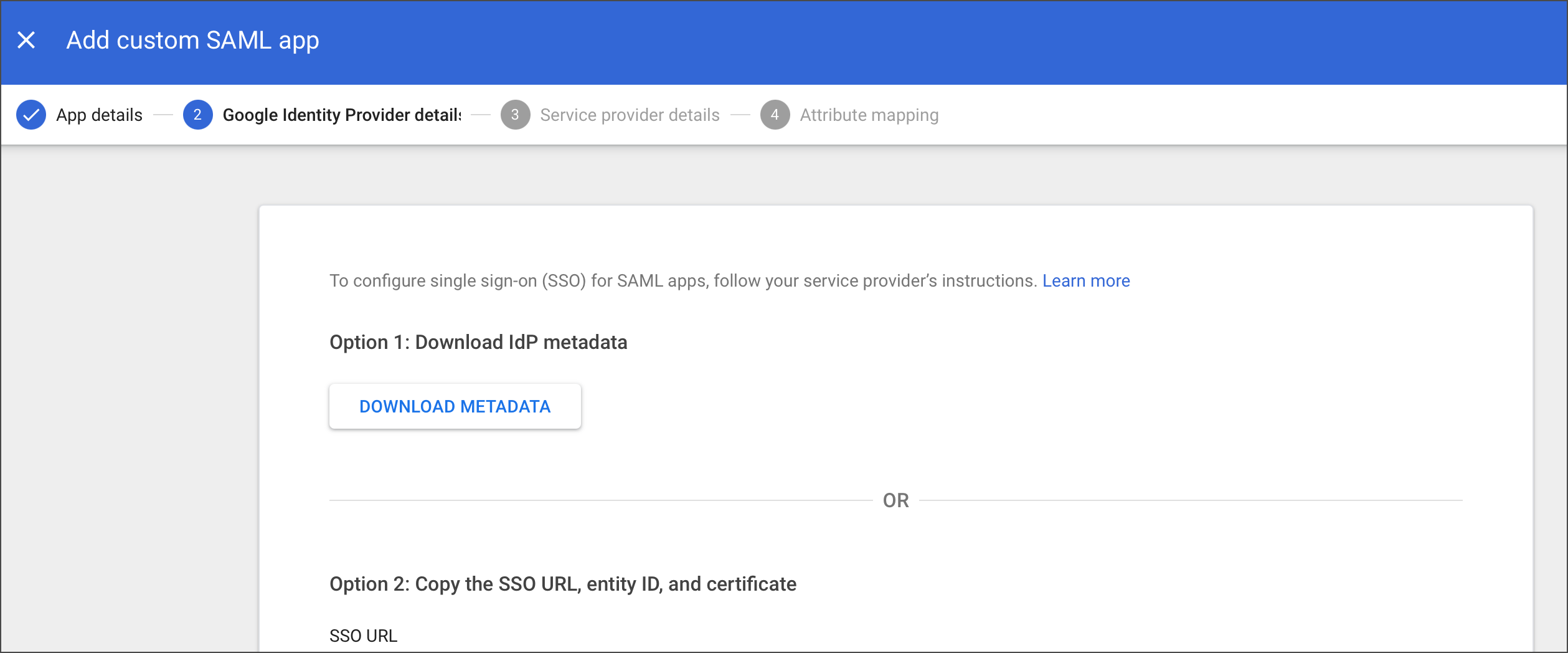
4. In Postman, on the [**Configure identity provider**](/docs/administration/sso/admin-sso/#configure-the-idp-details) page, enter the **SSO URL**, **Identity provider issuer**, and **X.509 Certificate**. Or, you can upload the IdP metadata file under Identity provider metadata file. Click **Continue**.
if you upload the IdP metadata and have multiple certificates, Postman selects the first available in the metadata file.
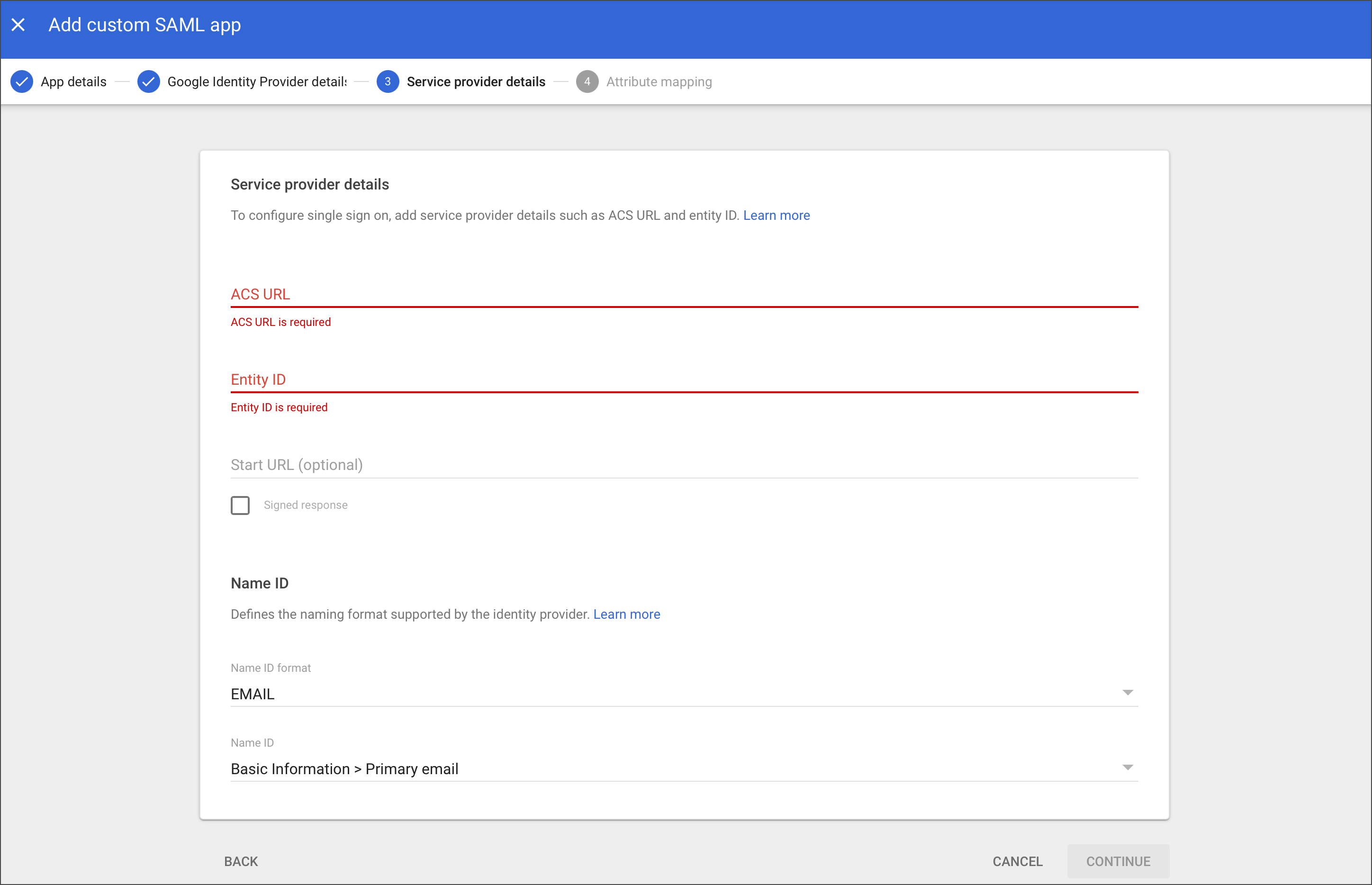
5. Copy the **ACS URL** and **Entity ID** from Postman and add them to your SAML application in Google Workspace. Copy the **Relay state** generated from Postman and add it as your **Start URL**. Select **Email** as the name ID format. Click **Continue**.
For more details on this last step, see [Configure SSO](/docs/administration/sso/admin-sso/).