
Send API requests and get response data in Postman
Whether you’re building or testing your own API, or integrating with a third-party API, you can send requests in Postman to connect to APIs you’re working with. Your requests can retrieve, add, or delete data, and can send parameters and authorization details.
For example, if you’re building a client application (such as a mobile or web app) for a store, you might send one request to retrieve the list of available products, another request to create a new order (including the selected product details), and yet another request to log a customer in to their account.
When you send a request, Postman displays the response received from the API server in a way that lets you examine, visualize, and troubleshoot it.
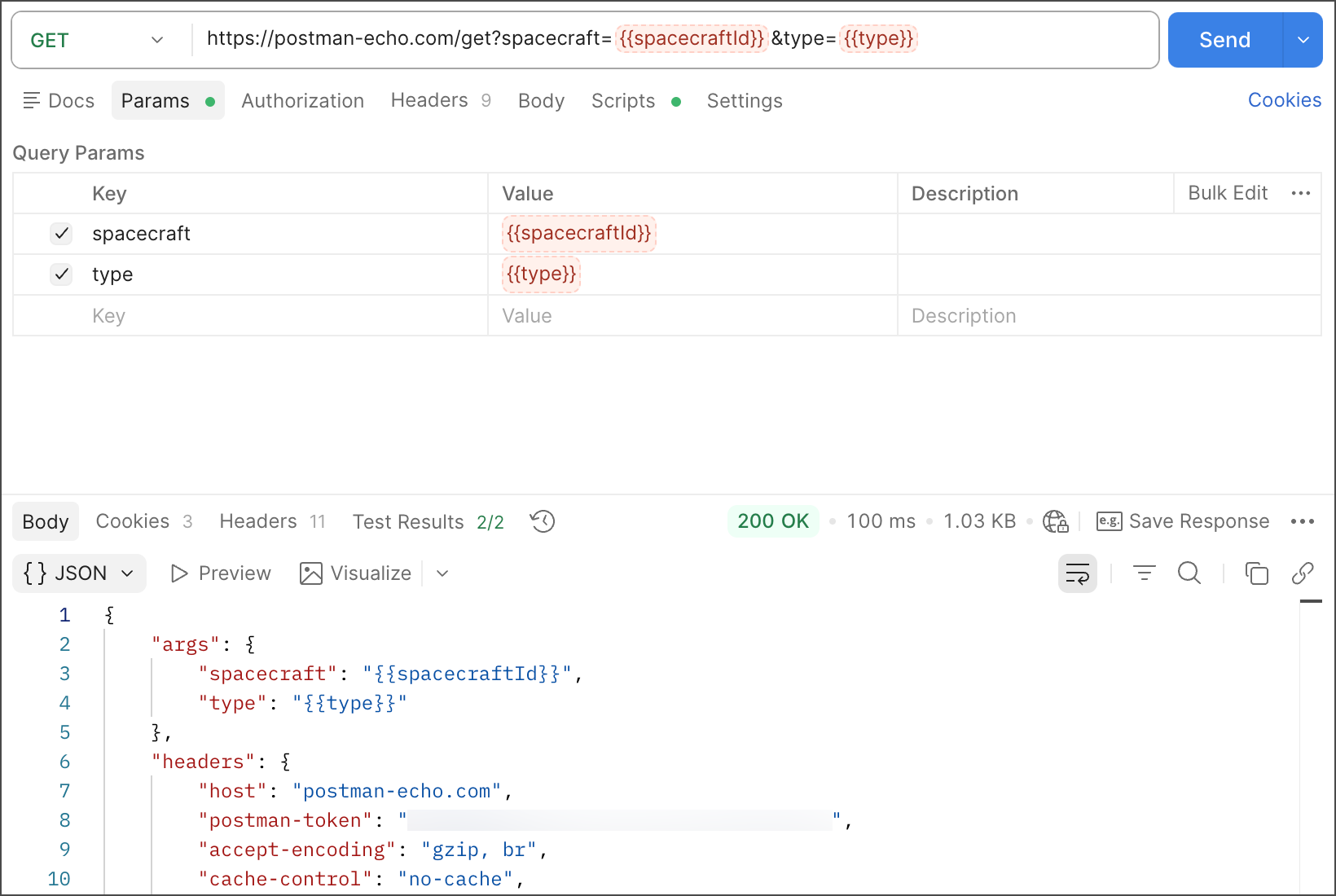
Get started sending requests
If you’ve never sent a request before, check out sending your first request before you continue.
View the following topics to get started sending API requests in Postman:
-
To learn the basics of building requests—including adding parameters, headers, and body data—go to Create and send API requests in Postman.
-
If the API you’re connecting to requires verifying your identity or access, you can learn more about API authentication and authorization in Postman.
-
Postman provides tools for viewing or visualizing API response data and for managing cookies. To learn more, go to Work with API response data and cookies in Postman.
-
Variables enable you to use reuse data throughout your requests and change values based on your working environment. To learn more, go to Reuse data with variables and environments in Postman.
-
Postman Vault enables you to store sensitive data as vault secrets. This enables you to securely reuse sensitive data in your HTTP collections and requests. To learn more, go to Store secrets in your Postman Vault.
-
You can capture and inspect API traffic using Postman’s built-in proxy or Postman Interceptor. To learn more, go to Capture HTTP traffic and sync cookies in Postman.
-
In addition to sending HTTP requests, you can use Postman to send API requests using different protocols including GraphQL, gRPC, WebSocket, MQTT, and SOAP.
-
If you’re running a local server, Postman can send requests using Unix domain sockets or named pipes. To learn more, go to Send requests over Unix sockets or named pipes.