Explore ready-to-use Flows in the Postman Flows Catalog
Explore ready-to-use Flows in the Postman Flows Catalog
Flows Catalog is a collection of over 100 pre-built flow templates designed to address common use cases. Exploring the Flows Catalog is a great way to learn what Postman Flows can do.
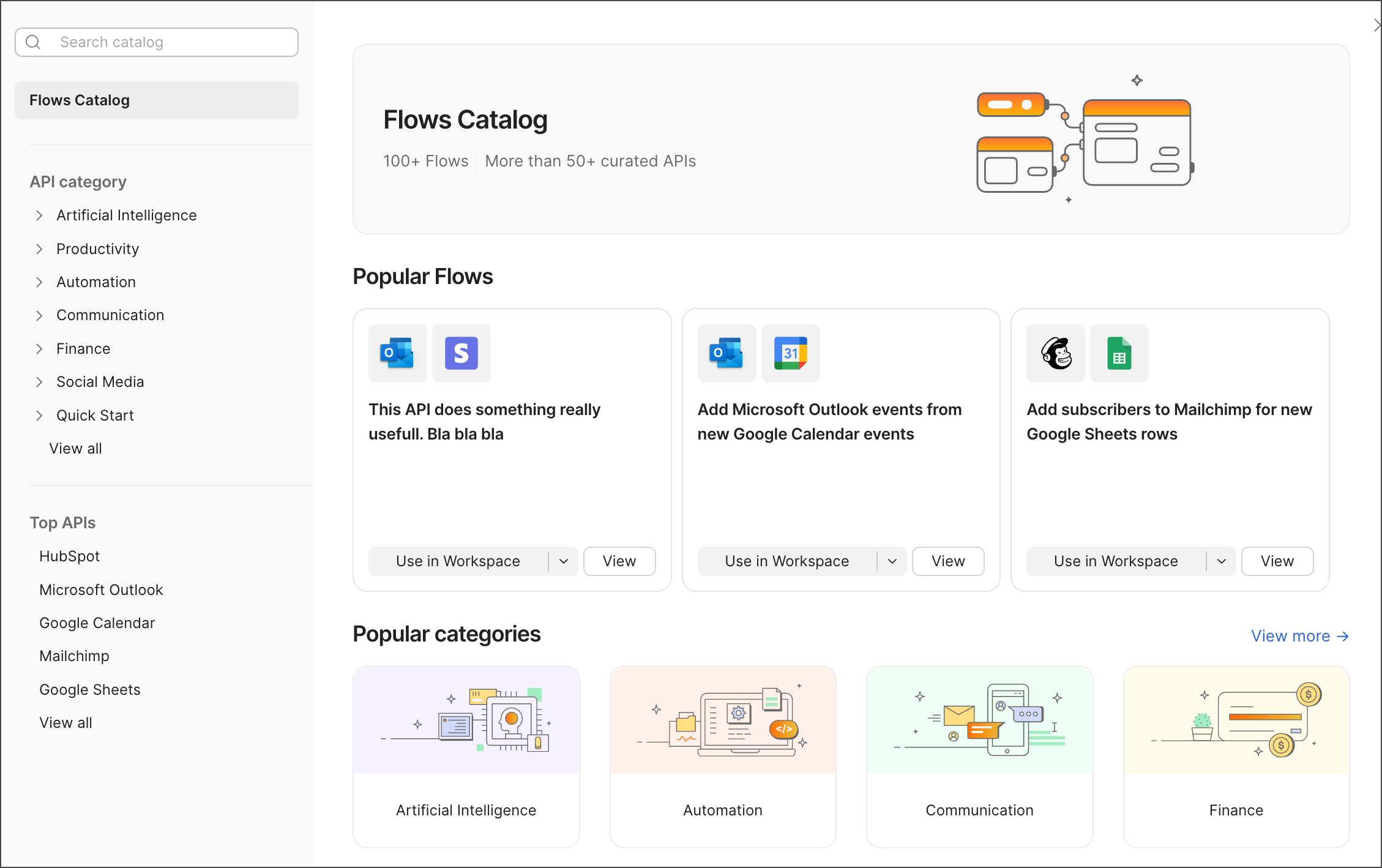
With Postman Catalog, you can explore and preview flows for use cases like automating contact management, using AI to create automated responses, or migrating data between databases. When you find a flow that suits your needs, you can open it in your workspace and start using it with little or no setup.
Explore Flows Catalog
To open Flows Catalog and explore the flows you can use, do the following:
- Create a flow.
- Next to the Start block, click
 Browse templates.
 - Click
 Search catalog and enter search terms (for example, “add subscribers” or “contacts”) or select an API category.
 - (Optional) Click View to preview a flow and see more flows like it.
- Click Use in Workspace to open a copy of the flow in the current workspace, or select a workspace from the dropdown list.
Next steps
- To learn about how to use Postman Flows, see Build a “Hello, world” flow.