Build and deploy your first flow
Postman Flows is a low-code visual tool for building, testing, deploying, and automating APIs, workflows, and applications. In this tutorial, you’ll build and deploy a flow that feeds an API response to an AI model and returns a human-readable summary of the results. Once it’s deployed to a public URL, anyone with the URL can call the URL to get the flow’s results.
Build a new flow
-
Open a workspace in Postman.
-
In the sidebar, click
 and select
  Flow.
Flow.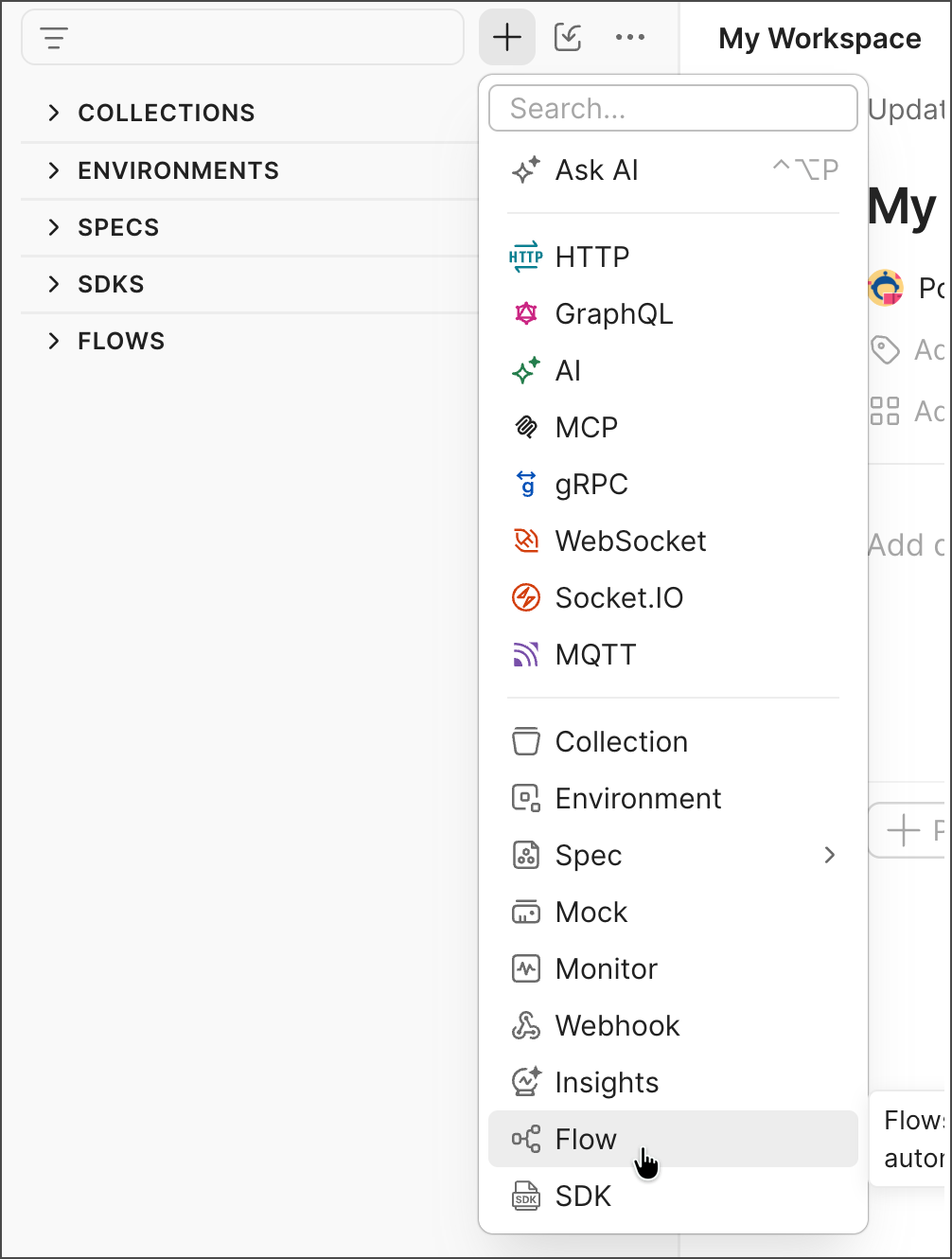
-
In the new flow, click
Add blocks and select  HTTP Request.
 -
In the HTTP Request block, click Find or create new request and select a request from one of your Postman Collections. If you have no collections, select
 Postman Echo - GET.
 -
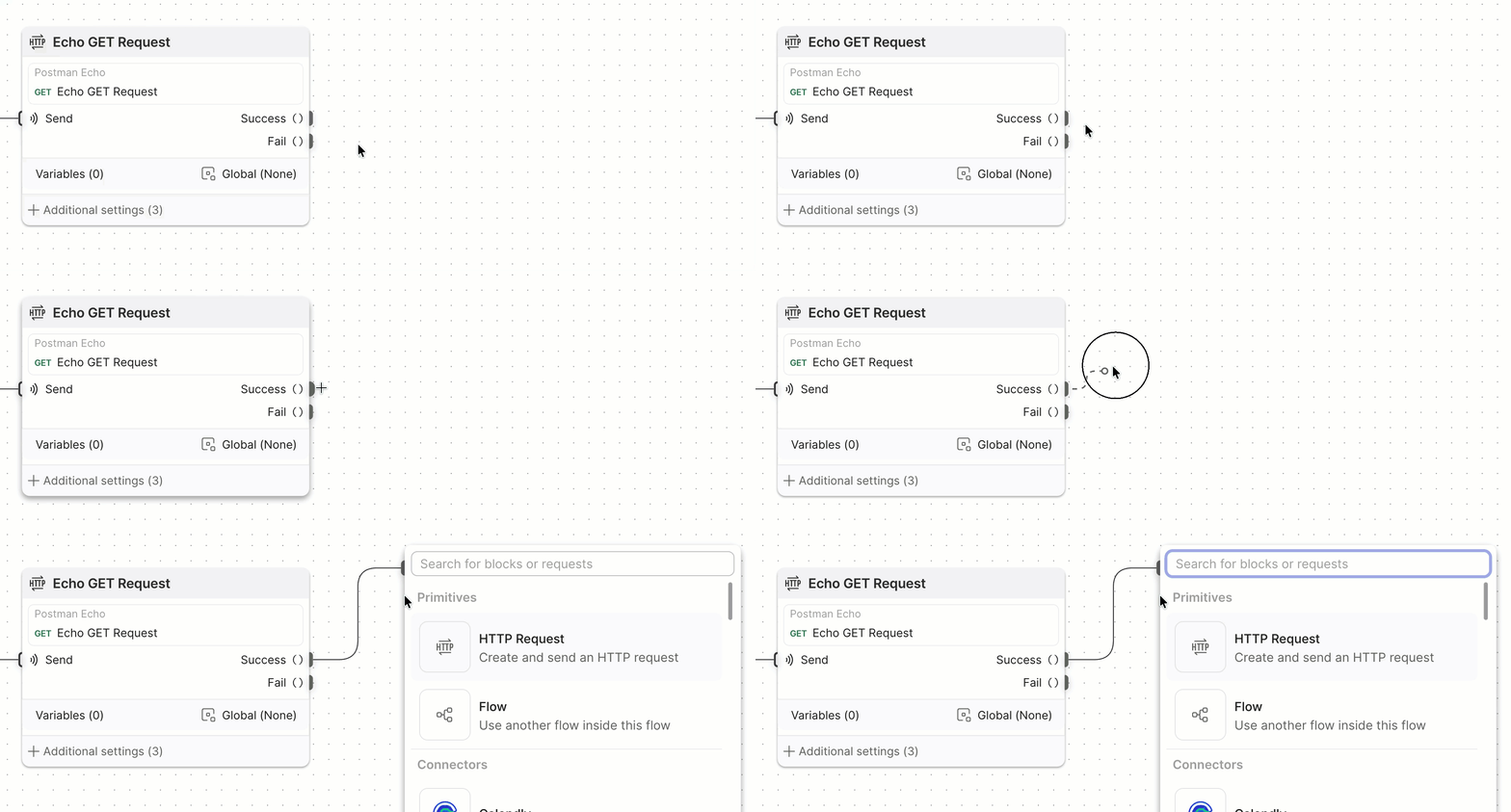
On the edge of the HTTP Request block, hover over the Success output port. The cursor becomes a plus sign.
-
Click and drag the cursor from the Success output port to an empty area of the canvas. Release the mouse button to open the blocks dropdown list.
-
In the blocks dropdown list, click Search for blocks or requests and enter “AI”.
-
Select
 AI Agent from the dropdown list.
 -
In the AI Agent block’s Prompt text box, enter “Summarize the API response in one or two short sentences”.
-
Click and drag the AI Agent block’s Result port to an empty area of the canvas. Release the mouse button and enter “display”. Select
 Display from the dropdown list.
 -
Click
 Run.
Run.
Run the flow
When you click Run, the following events occur:
-
The Start block triggers the HTTP Request block to send its API request.
-
The HTTP Request block sends a request to the specified endpoint and receives a response.
-
The HTTP Request block sends the response data as a JSON object from its Success output port to the AI Agent block’s key input port.
-
The AI Agent block’s key input port receives data from the HTTP Request block. The AI Agent block applies its prompt to the data the key input port received.
-
The AI Agent block sends its results to the Display block’s input port.
-
The Display block displays the results.
Deploy the flow
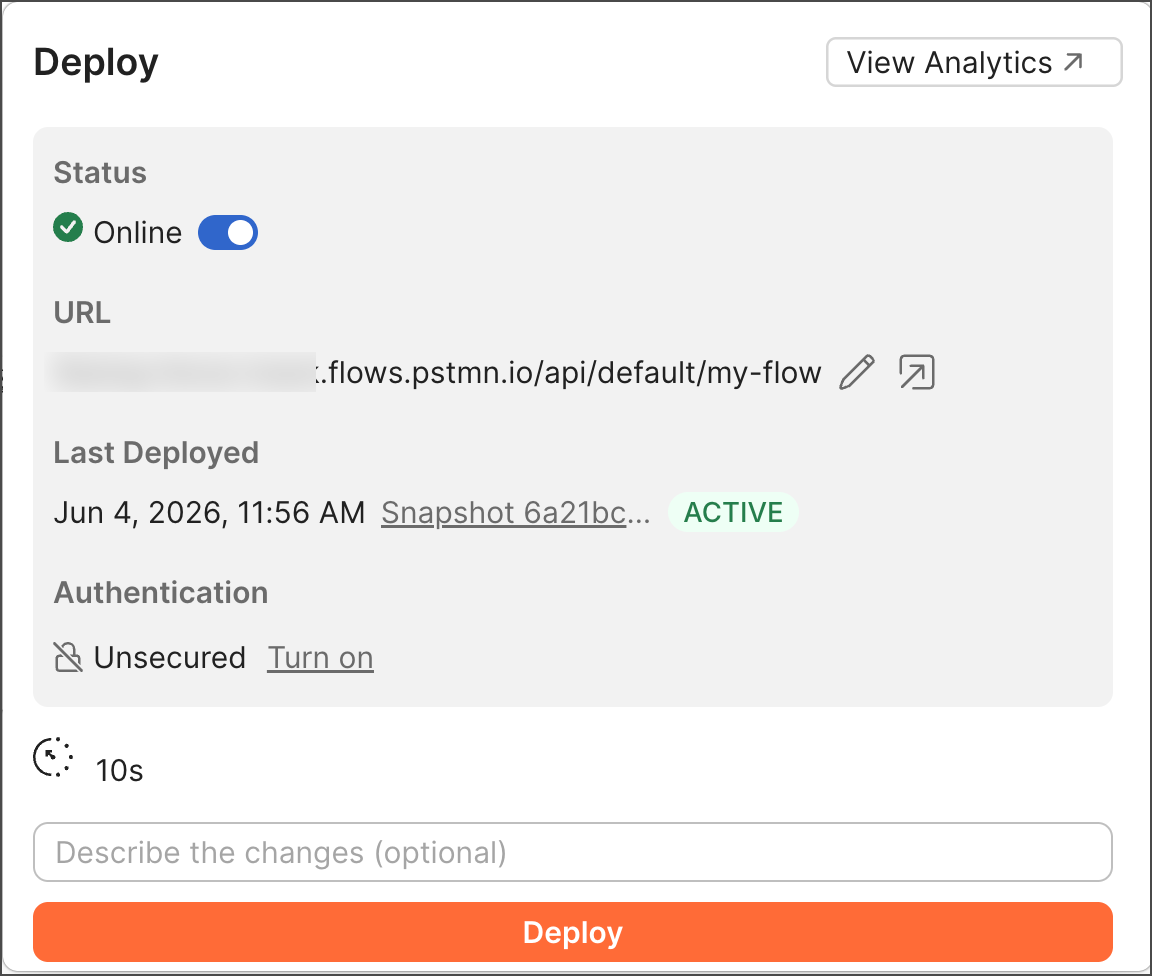
When you deploy a flow, Postman hosts it in the Postman cloud at a public URL. You can share this URL with anyone, and they can call the flow to get its results.
To deploy the flow you built in the previous section, do the following:
-
In the Start block, click Change trigger and select
 Request.
 -
Click and drag the Display block’s output port to an empty area of the canvas. Release the mouse button and enter “response”. Select
 Response from the dropdown list.
 -
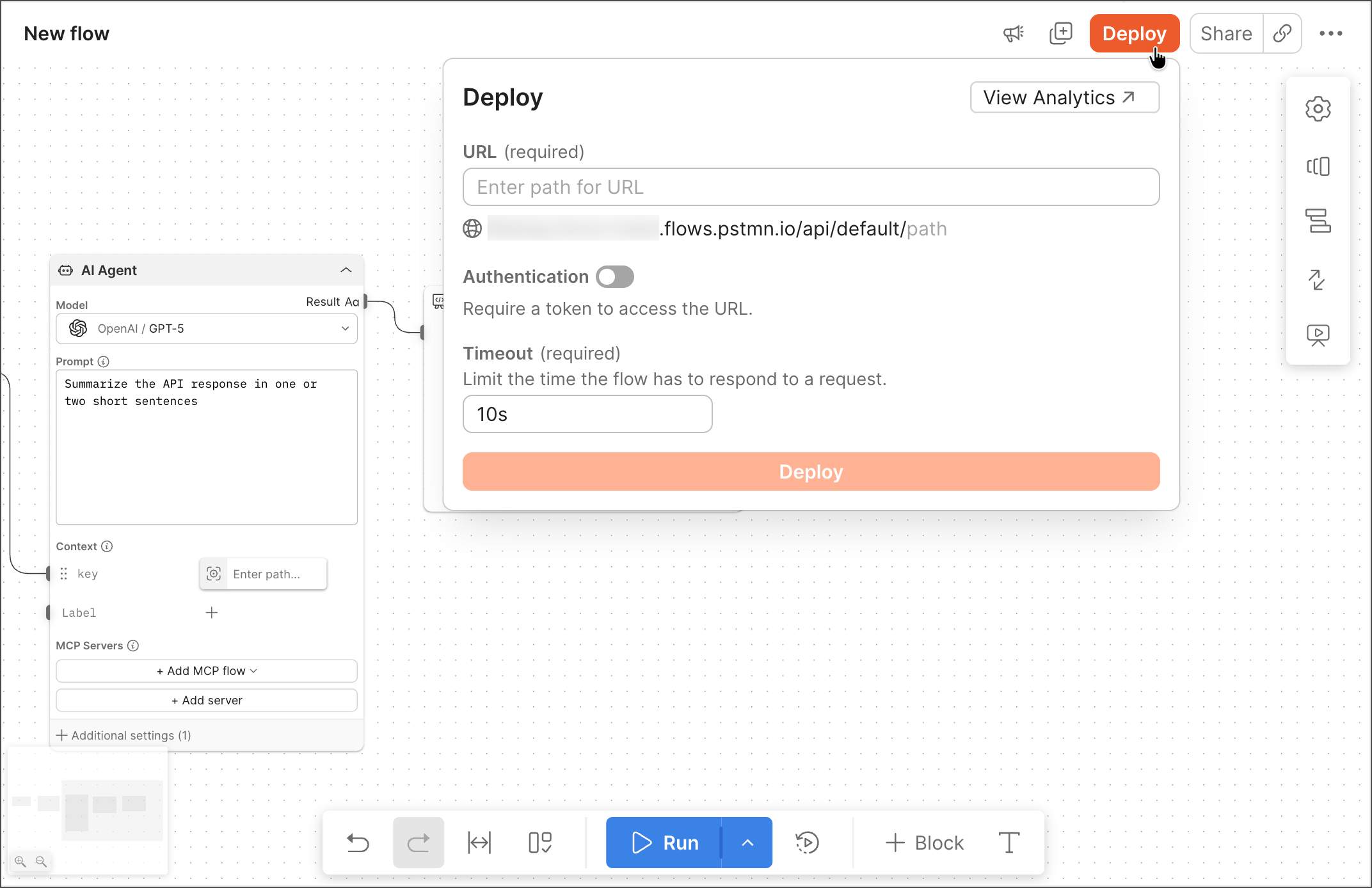
Click Deploy in the top right corner of your flow.
-
Enter a path for your flow’s URL. Postman will add it to an automatically generated base URL. For example, if you enter “my-flow”, your flow will be available at
https://<postman-generated-base-URL>/my-flow. -
Click Deploy at the bottom of the dialog. The flow is live in the Postman cloud.
-
Click the URL to copy it. You can share this URL with anyone, and they can call the URL to get the flow’s results.