Configure gateway keys and upstream credentials
Use this guide to configure gateway keys and upstream credentials for services in Postman Fabric Gateway. You can create a service or gateway credential. Go to Credentials and click Create credential.
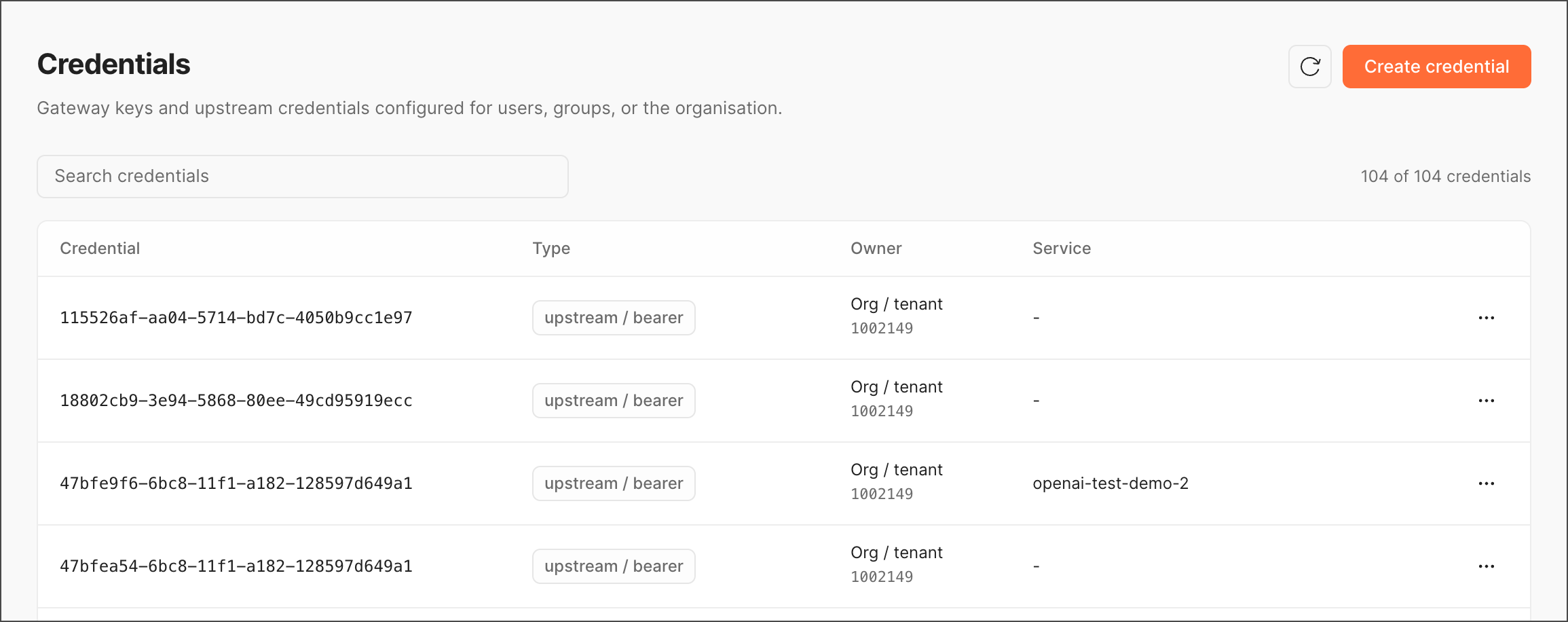
Create a service credential
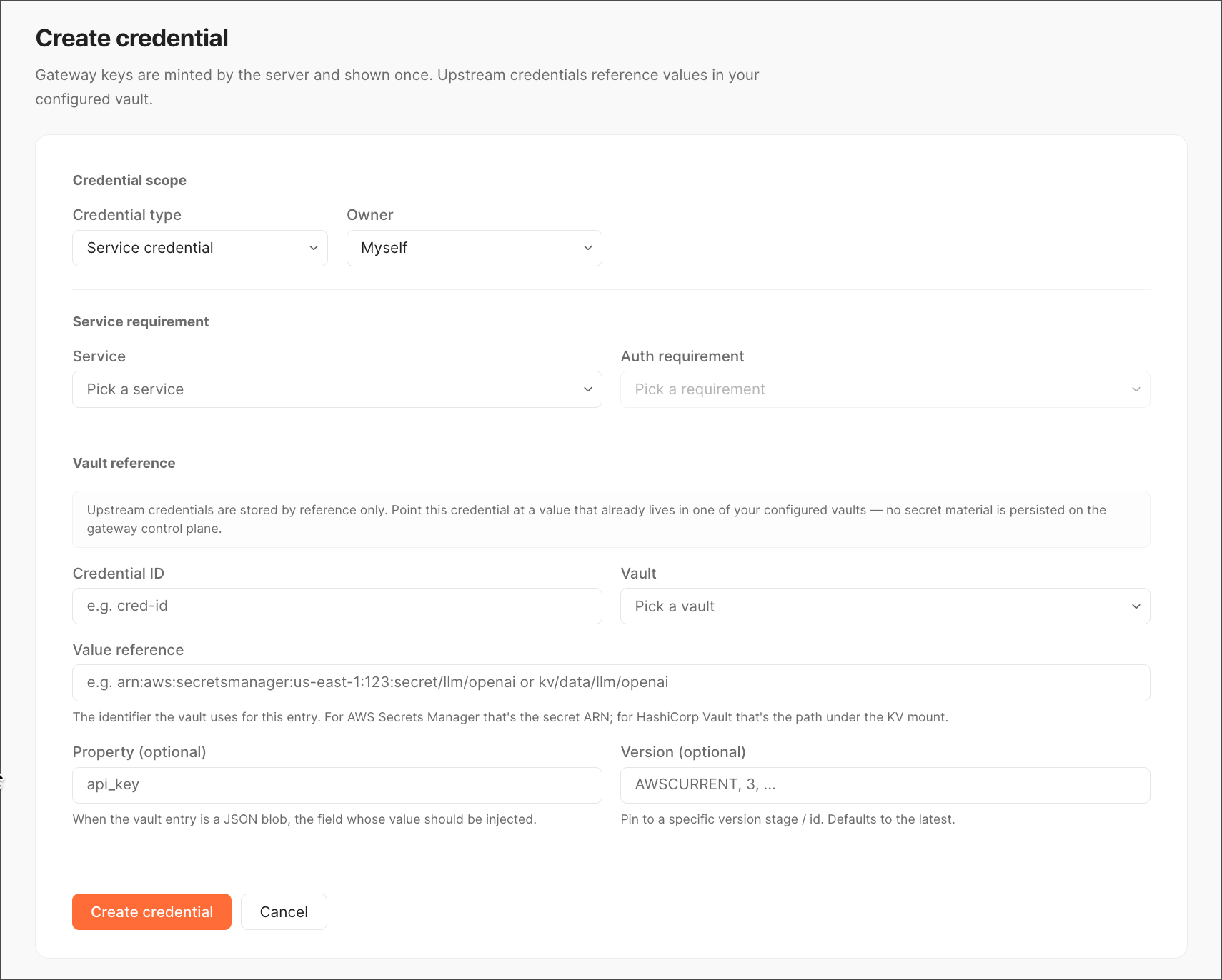
To create a service credential, do the following:
-
Select Service credential as the credential type.
-
Select the owner: Myself, User, User group, or Org/tenant.
-
Select the service type and auth type.
-
(Optional) Specify Credential ID.
-
Pick a vault type to store your credential.
-
Add a value reference.
-
(Optional) Specify Property and Version.
-
Click Create credential.
Create a gateway key
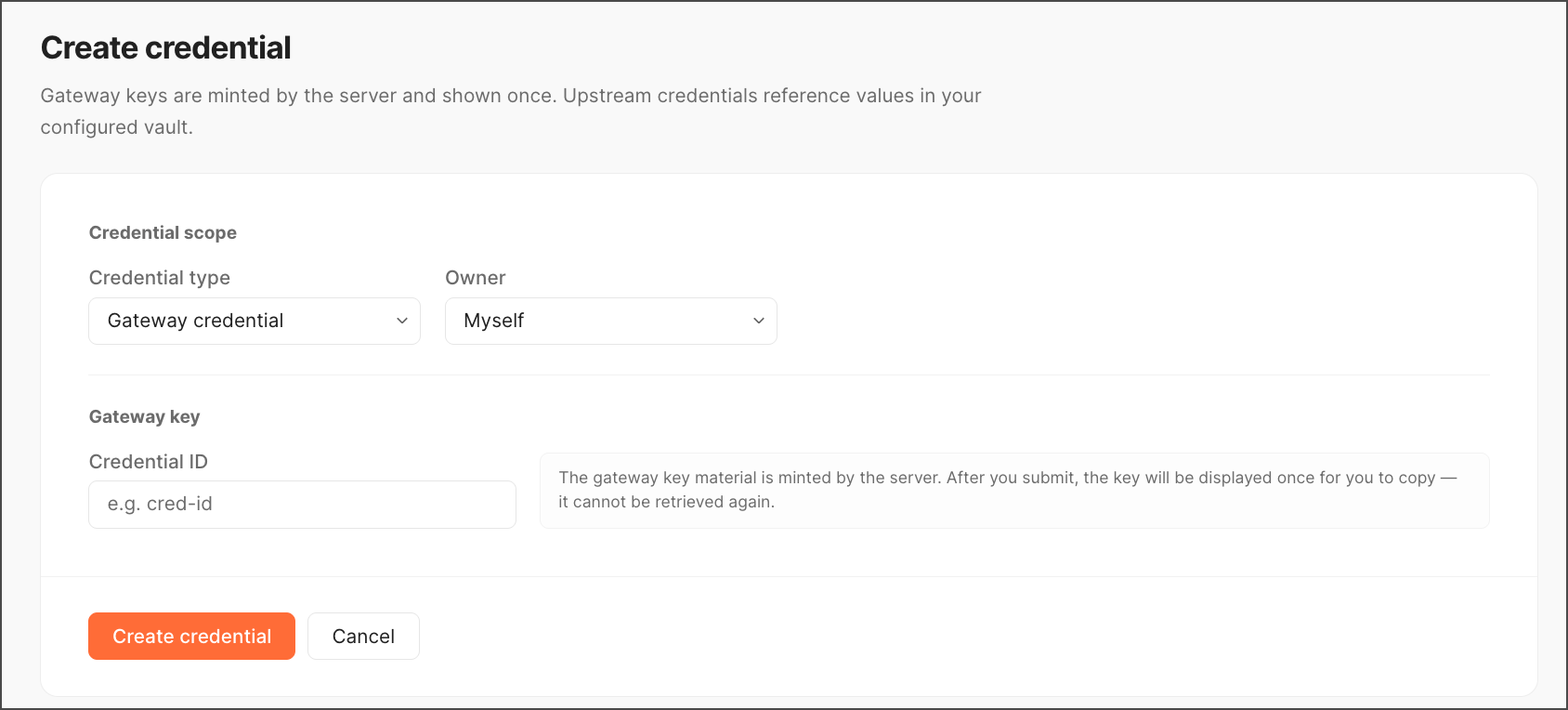
To create a gateway key, do the following:
-
Select Gateway credential as the credential type.
-
Select the owner: Myself, User, User group, or Org/tenant.
-
(Optional) Specify Credential ID.
-
Click Create credential.
A Gateway key created dialog appears with a one-time reveal of the key. Copy it and store it somewhere safe before closing.