Configure a plugin
Policies let you enforce governance, access controls, and safe data handling for agent and API interactions.
You can manage your plugin instances under Policies > Plugin instances.
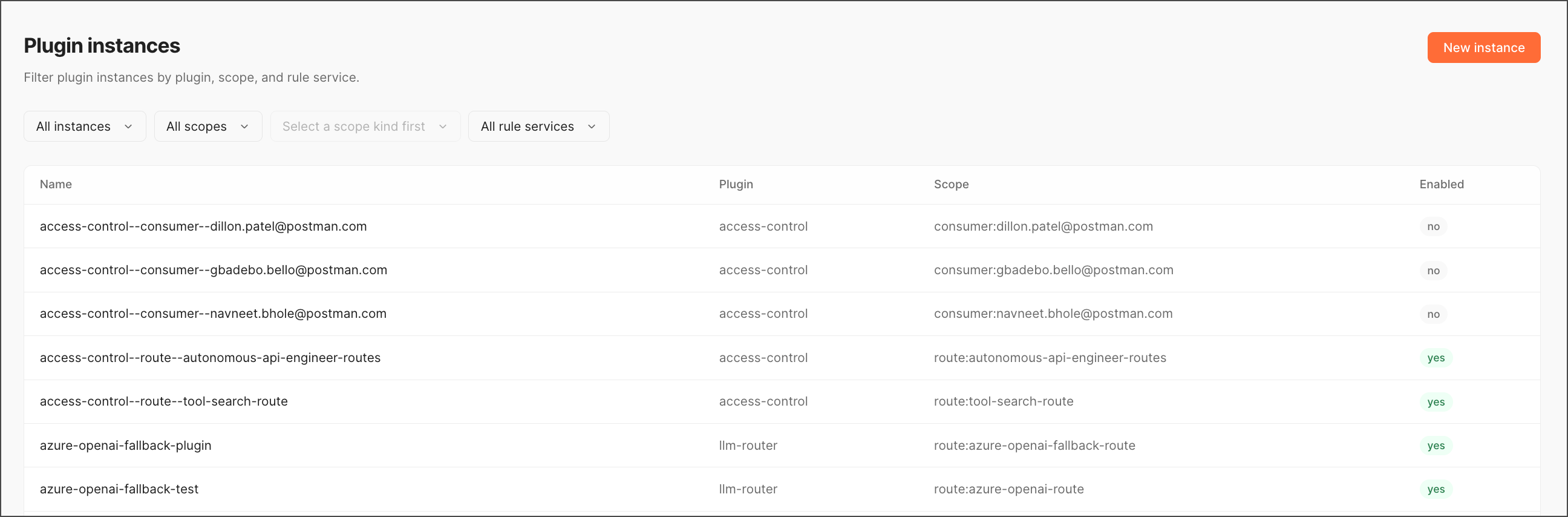
Create a new plugin instance
To create a new plugin instance, do the following:
-
Click New instance.
-
Set the following fields:
- Name — Unique within the tenant.
- Plugin — The policy to attach. The catalog includes
cors,token-counter,tool-search,access-control,access-log,agent-approval,agent-audit,agent-scope-gate,agent-static-deny,pmak-auth,rate-limit,secret-injector,key-auth,jwt-auth, andllm-router, among others. - Scope kind —
globalorroute. Ifroute, also set Scope name.
-
Click Save.