
Import cURL commands
cURL is a popular command-line tool for making HTTP requests. When testing a web application or API, cURL enables you to interact directly from the command line, using a well-established syntax that’s common in the API developer community. If you have several cURL commands in different places, you can import them into Postman.
Import a cURL command into Postman
-
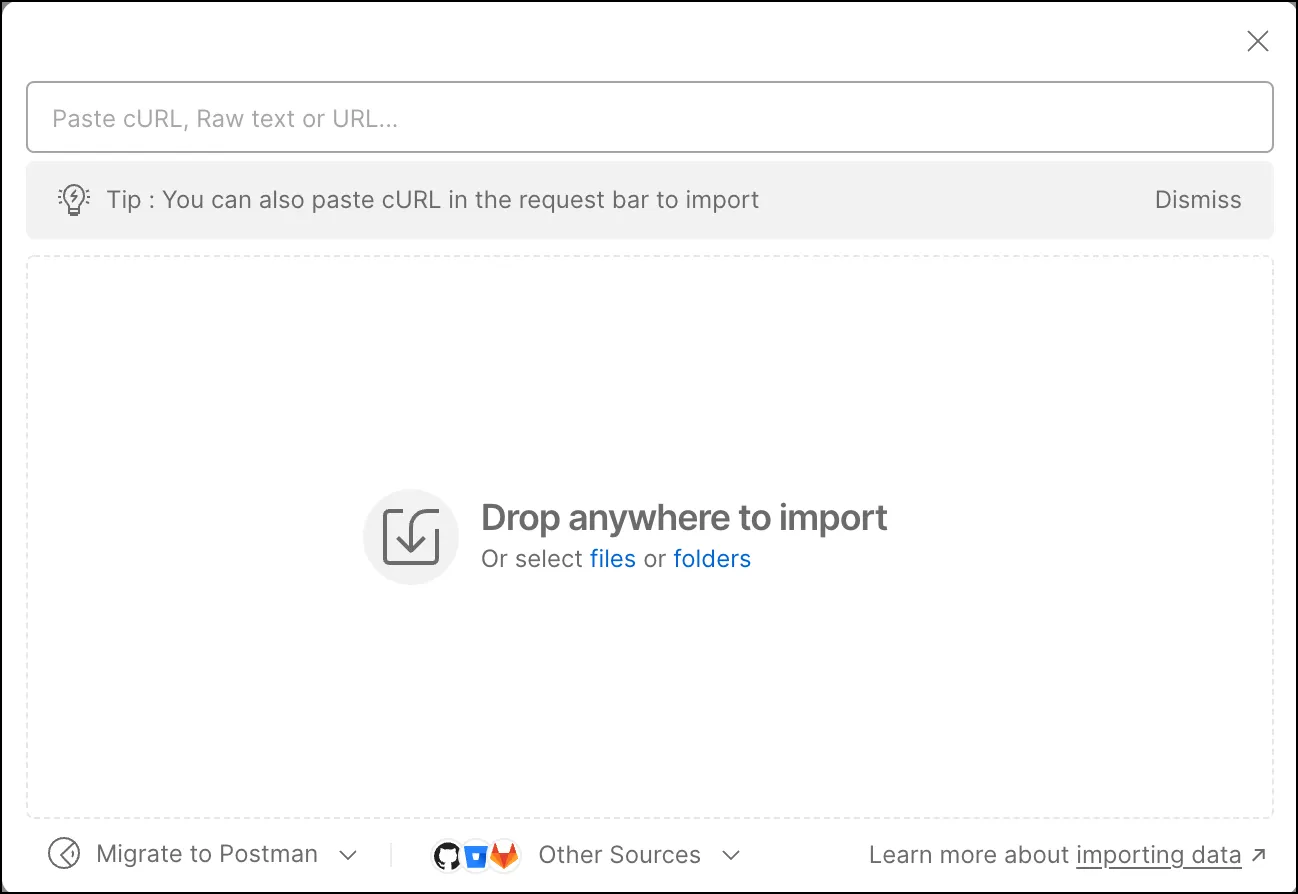
Click Import in the sidebar.
-
Enter your cURL command into the text box at the top.
-
Do one of the following:
- To save your curl as a request in a collection, enter a new collection name or select an existing collection, then click Import Into Collection.
- To open your curl as a new request without saving it, click Import Without Saving.
You can also paste cURL commands into a request’s URL text box.
Convert a Postman request to a cURL command
-
Open the request you want to use for a code snippet, then click
 Code in the right sidebar.
-
Click cURL from the dropdown list.
-
Click
 Copy to copy the code snippet to your clipboard.
If you prefer working inside the command line with cURL making basic requests, the VS Code extension is for you.