How to find the ID of an element in Postman
Notes:
- A Postman element can be an HTTP request, a WebSocket request, a gRPC request, a collection, an environment, a workspace, an API documentation, a mock server, a monitor, an API, or a flow.
- Except for workspaces, you can find any other elements in the left sidebar and IDs the same way.
Getting the workspace ID
- Click Workspaces in the upper-left of the Postman header.
- Select the workspace.
- In Overview, click three dots in the upper right corner of the workbench.
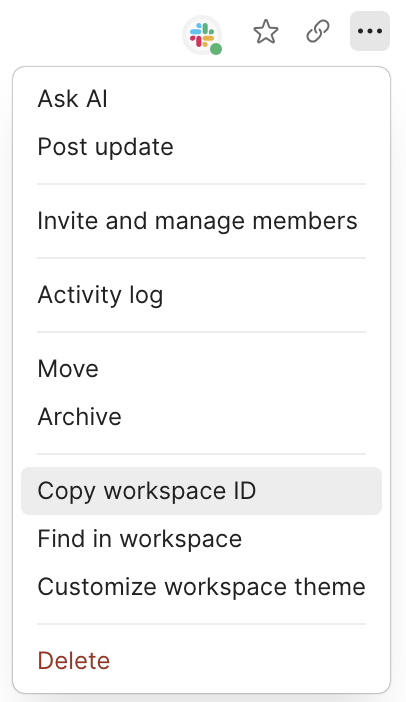
- Copy the workspace ID.
Getting an element ID
- Select the Postman element in the sidebar, such as a collection or specification.
- Click Info in the right sidebar.

- Copy the ID.
Have more questions? Submit a request