How to open my logs directory
Logs for the Postman app can be found in the following directories, depending on your operating system.
macOS
- Copy this path ~/Library/Application Support/Postman/logs
- In the Finder on your Mac, select Go > Go to Folder
- Paste the path ( command + v ), and press return
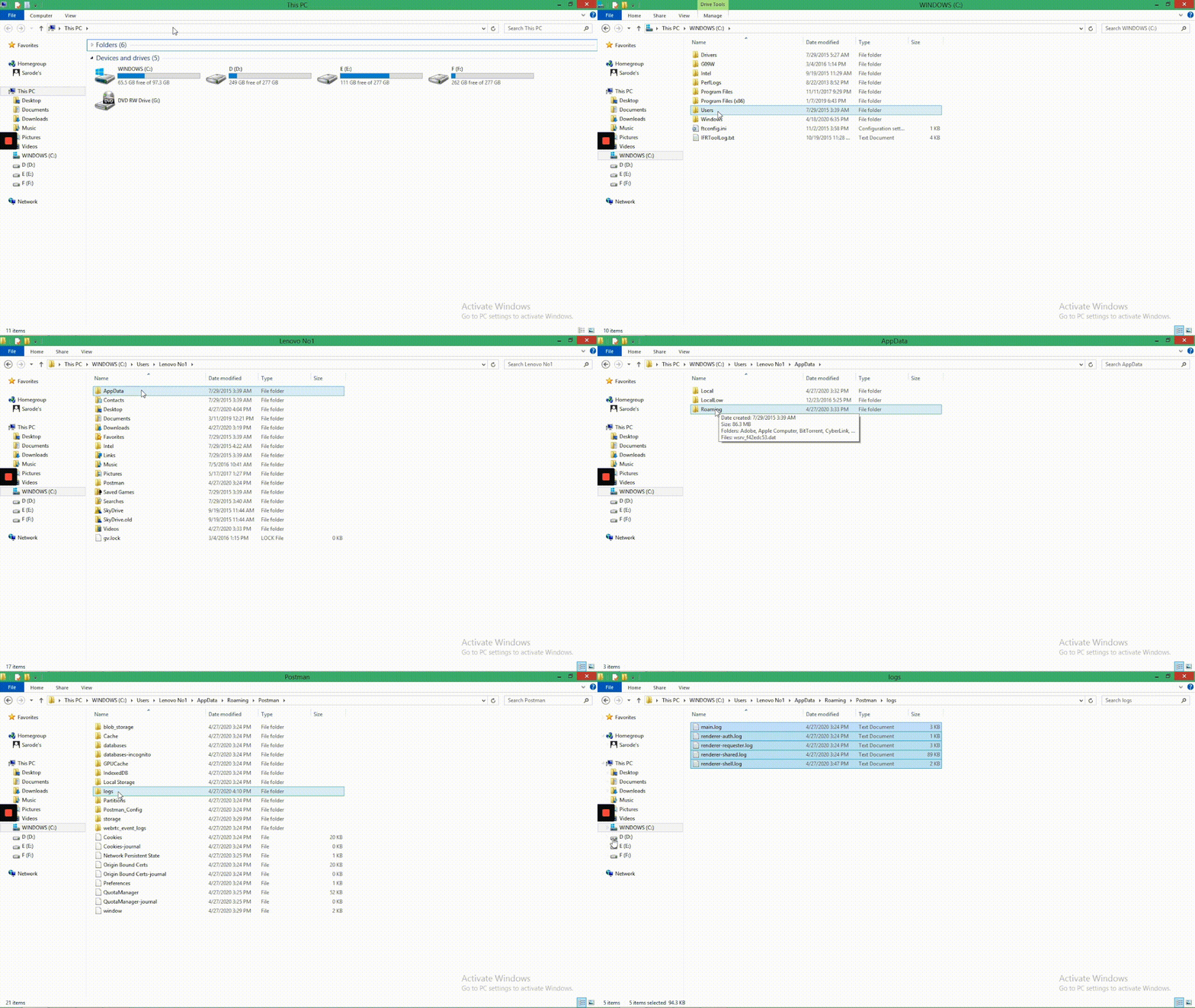
** **Windows
- Copy this path %AppData%\Postman\logs
- Open the Start menu and search for explorer.exe , and press return
- Paste the path (control + v), and press return
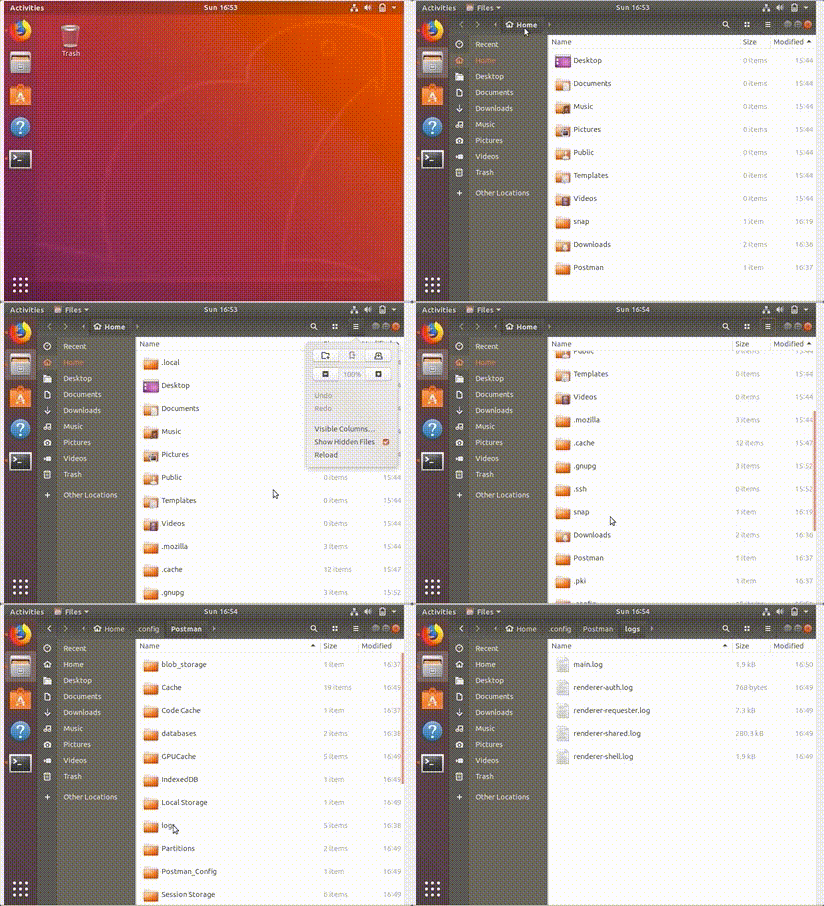
Linux
- Go to Files . Make sure to show hidden files
- Open .config > Postman > logs
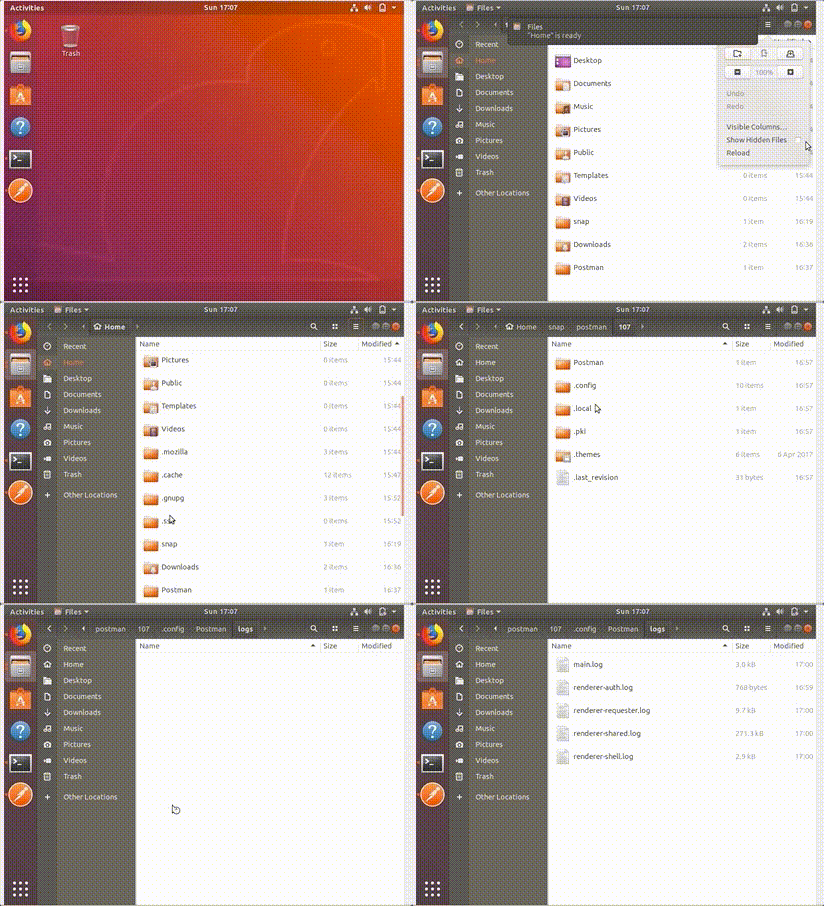
Snap
Have more questions? Submit a request