Create custom governance functions in Postman
API Governance custom functions are available with Postman Enterprise plans. If you don’t have an Enterprise account, you’ll be able to see the API Governance page, but you won’t be able to configure custom functions.
There is a new API governance experience in Postman that includes a new look, feel, and functionality. For more information, see New API governance experience.
You can create custom governance functions and use them in your custom API Governance rules that Postman applies to API specifications in Spec Hub.
Super Admins and API Governance Managers can manage custom governance functions for their team.
Add a custom function
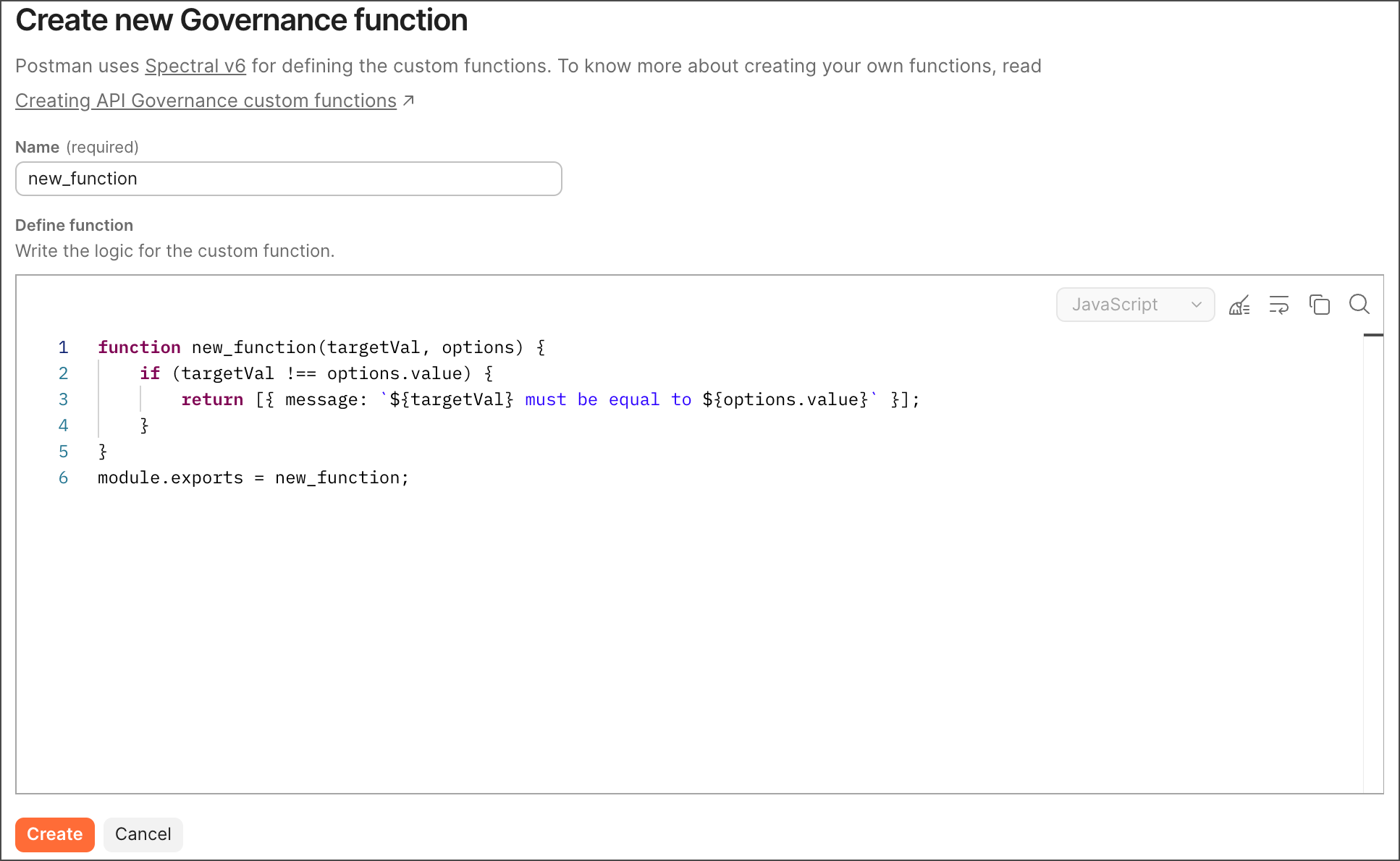
You can add custom governance functions to use in your custom API Governance rules. Postman provides you with a boilerplate function to help you start writing your custom governance function. You must write custom functions in JavaScript using ES6 syntax or CommonJS syntax.
To access the configurable API Governance rules, do the following:
-
Click
 Home in the upper-left corner of the Postman app, then select
  API Catalog.
 -
Click
 Governance Groups.
 -
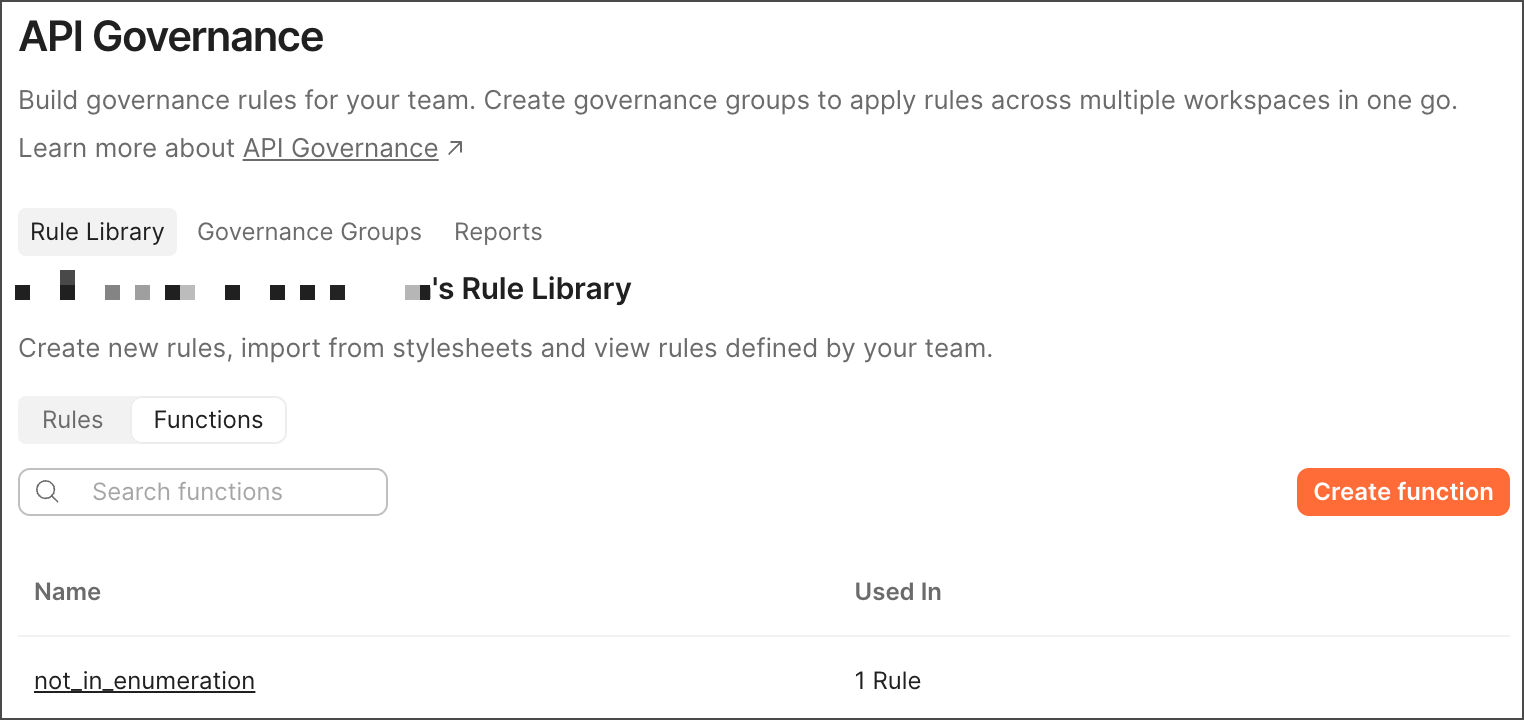
Select the Rule Library tab, then select the Functions tab.
-
Click Create Function.
-
Name the function’s file, then write the function in the editor. It must adhere to custom functions guidelines.
Postman prompts you with suggestions as you enter text. Select one to autocomplete your code.
-
Click Create.
Add a custom function to a custom rule
To add a custom function to a custom API Governance rule, add a custom function, then begin the steps to add a custom rule.
Add the then.function property to the rule, and add the custom function’s filename as its value to use it in your rule (for example, function: custom_function_name). If your custom function accepts options, add the then.functionOptions property. Learn more about Spectral rule properties and Spectral custom functions.
Then click Create to create a custom rule that uses a custom function.
View custom rules that use a custom function
You can view the custom rules a custom function is used in.
- Select the Rule Library tab, then select the Functions tab.
- Click a custom function in the Name column. To view only the number of custom rules each custom function is used in, you can review the values in the Used In column.
- Click Rules affected by this function to expand the custom rules your custom function is used in. You can click an affected rule’s name to view it in a new tab.
Edit a custom function
- Select the Rule Library tab, then select the Functions tab.
- Click a custom function in the Name column.
- Edit the function, then click Save.
Remove a custom function
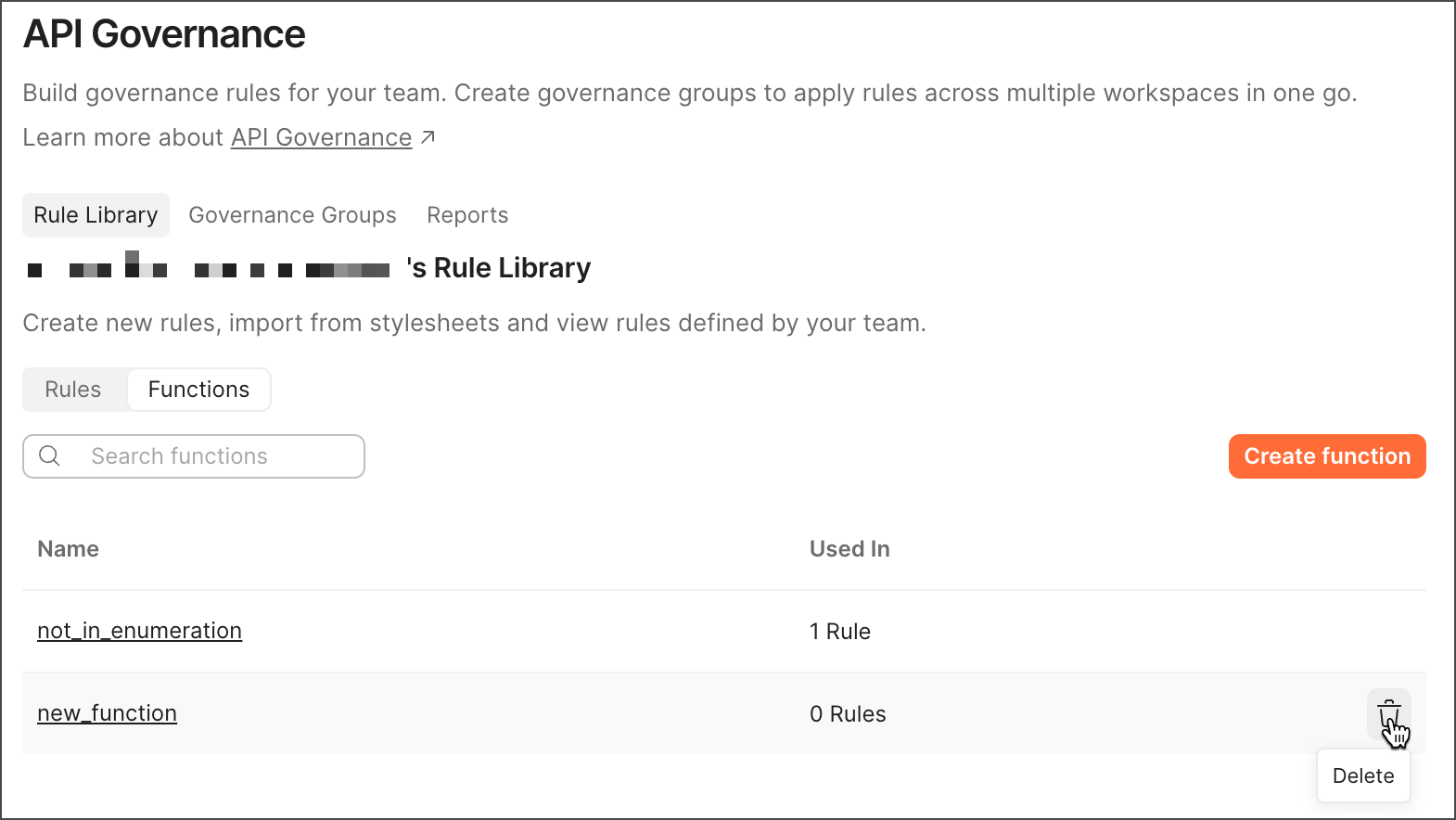
To remove a custom API Governance function, you must remove the API Governance rules that use the custom function. Then click  Delete next to the custom function’s filename.