
Generate SDKs locally and sync with GitHub
Postman SDK Generator is deprecated. To keep generating SDKs, migrate to Fern. For more information about generating SDKs with Fern, see Fern’s SDK generator documentation.
Local SDK generation is available on the desktop app only and can also be performed using the Postman CLI.
Generating SDKs locally in a Git-connected workspace enables you to generate SDKs without affecting your public Postman Collections in the Postman Cloud. SDKs are saved directly to your local file system for immediate use, and they automatically appear as code snippet options in your requests. You can also pull SDKs from your cloud collections to your local workspace. This way, you can experiment with SDK generation and test different configurations in a safe, isolated environment.
Before you generate an SDK, review permissions required to generate SDKs.
To learn how to set up your local workspace and sync it with CI/CD and Postman Cloud, see About Native Git.
Connect to your GitHub repo
To generate an SDK from a collection in a specific language and sync it with a GitHub repo, do the following:
-
Get your collection ID. Click
 Info in the right sidebar and copy the ID.
 -
Run the following command in the Postman CLI to connect your collection to your repo for the language of your SDK, in this case TypeScript:
This action redirects you to the GitHub OAuth sign-in screen and asks for the owner, repo, branch, and folder details. If successfully connected, you get the following message:
Success: Successfully created integration for <language> with GitHub repo <github repo name> -
Run the following command to manually generate and push a given SDK build ID to the configured repo.
The CLI output will look like this:
After you merge your PR, the SDK will be available in GitHub.
Generate SDKs in local mode
To generate an SDK in local mode, do the following:
-
Ensure you’re in Local, not Postman Cloud view. Check the state in the bottom left of the Postman app. If you’re in
 Postman Cloud, click it to switch to Local.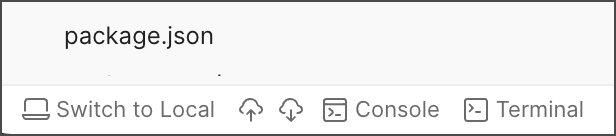
-
Ensure you’re in
 Local items.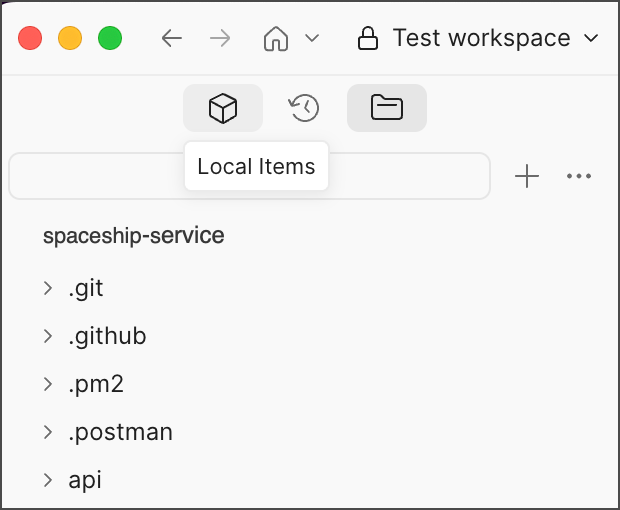
-
Select the collection or specification for which you want to generate an SDK.
-
Click
 View more actions and select More > Generate SDKs.
 -
Select your preferred language (Python, TypeScript, Java, Kotlin, C#, Go, PHP, or all).
-
Click Generate.
You can also create one-off SDKs using the postman sdk generate command. For more information, see the command reference and examples.
Generation time may vary depending on the complexity of your API and the selected programming language.
Local file system structure
When you generate SDKs locally, they’re organized in your file system as follows:
Each SDK folder contains the complete generated SDK code, ready for integration into projects.
Pull SDKs from Postman Cloud
You can pull existing SDKs from your Postman Cloud collections.
-
In the footer, click
 Pull from Postman Cloud.
 -
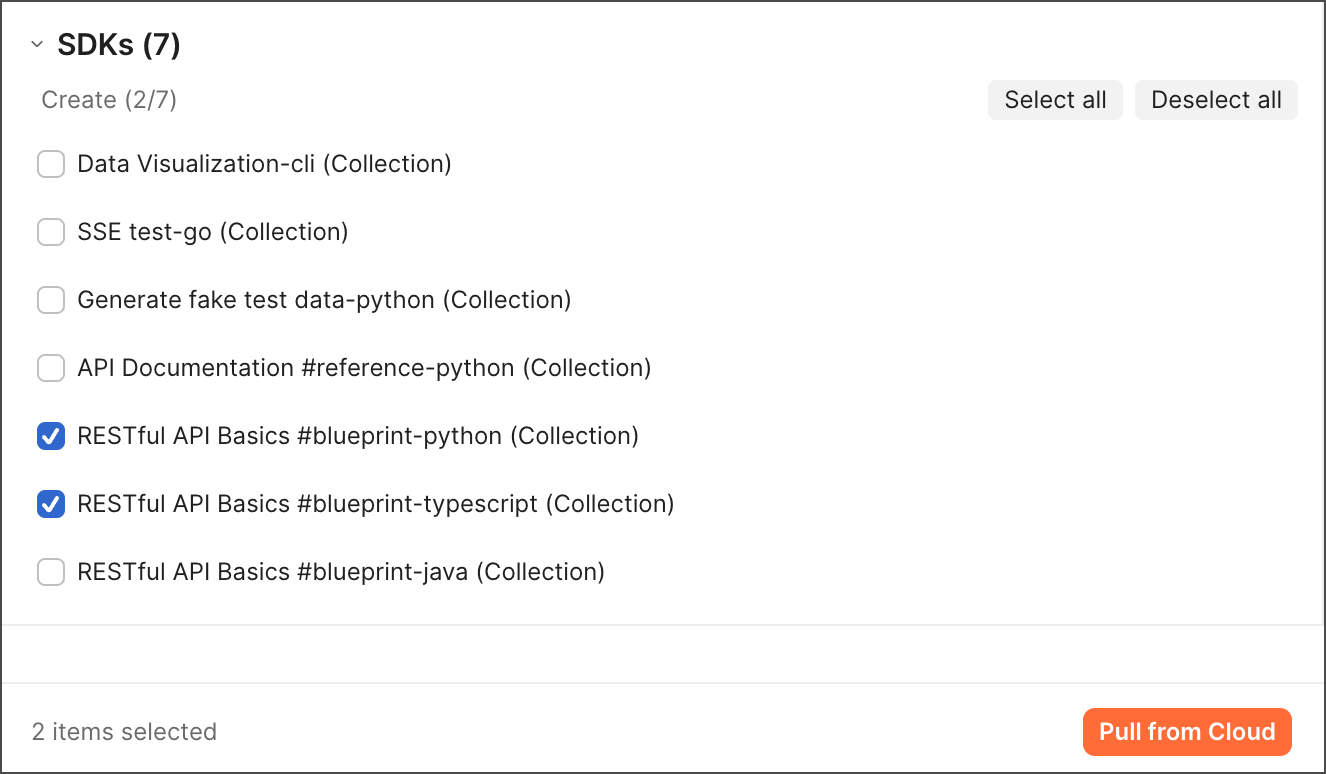
Select the SDKs you want to pull into your local workspace.
-
Click Pull from Cloud.
The SDKs will be downloaded and integrated into your local file system.