Set up event reporting in the API Catalog
Use the --report-events option with the Postman CLI commands to surface run and lint results in the API Catalog. Inspect the results in the CI Pipeline Run Report. This feature enables your team to review collection and specification results without needing local access to the machine that ran the command.
To access the report, in the API Catalog, click the service you’re interested in, open the Test tab, find your run in the CI Pipeline Runs table, and click View report.
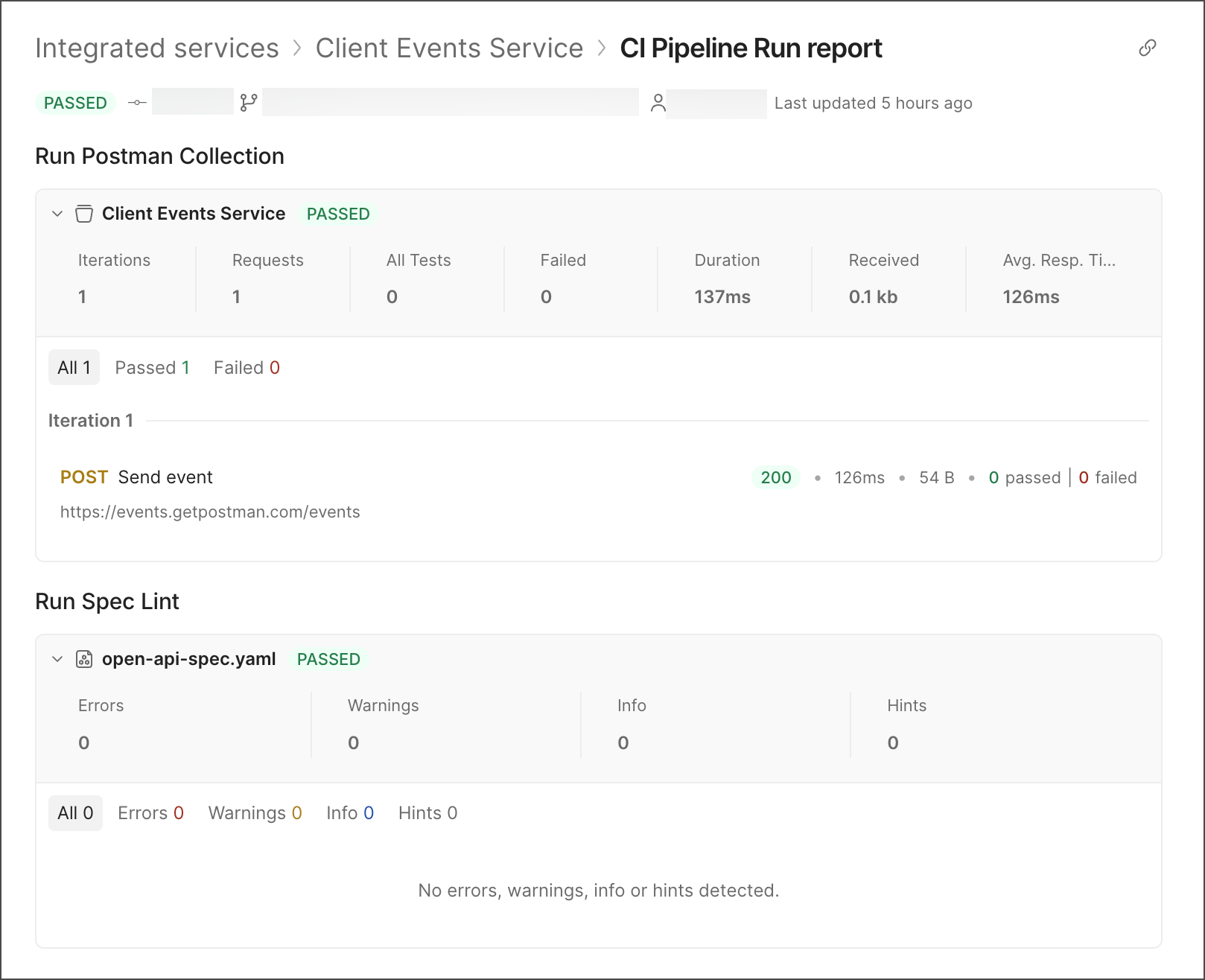
You can surface collection and specification events when you use the --report-events option with the following commands:
Prerequisites
To upload event data successfully, ensure the following requirements are met:
- You’re authenticated with the Postman CLI. Run
postman loginbefore running your command. - If you’re linting a spec, the specification resolves to a specification ID in Postman Cloud.
- If you’re linting a spec, the specification is one of the following supported types:
- OpenAPI 2.0
- OpenAPI 3.0
- OpenAPI 3.1
Lint a specification with event reporting
You can lint a specification by local file path or by specification ID. Add the --report-events option to have either approach upload the results to the API Catalog.
Lint a local specification file
To lint a local specification file, run this command from the root of your collection:
Lint by specification ID
To lint a specification by its ID, run this command:
Run a collection with event reporting
You can run a collection by local path or by cloud collection UID. Add the --report-events option to have either approach upload the results to the API Catalog.
Run a local Git-native collection
To run a local Git-native collection, run this command from the root of your collection:
Run a collection by cloud UID
To run a collection by its cloud UID, run this command: