
Document your APIs with Fern
Fern is a docs-as-code platform that generates a comprehensive documentation site from your Postman Collection. When you publish, Fern automatically creates your API reference. From there, you can add guides, tutorials, and other content to build a complete documentation site.
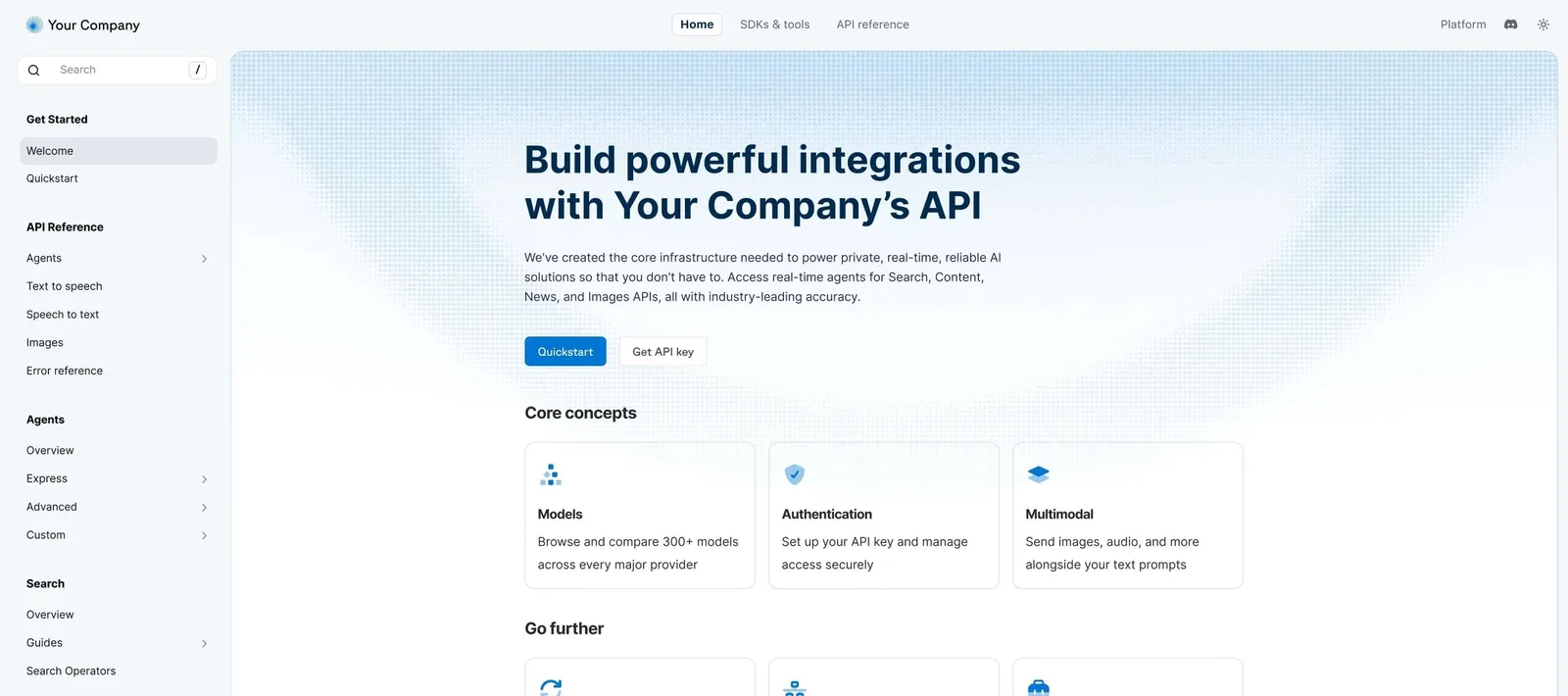
How Fern works
When you publish a Postman Collection with Fern, your documentation is deployed to a live site backed by a GitHub repository that your team owns. You get full edit rights and ownership, with the flexibility to customize your site after publishing.
Fern documentation includes:
- API reference — Automatically generated from your collection with request details, sample code, and an interactive API explorer where users can make real API calls.
- Guides and tutorials — Add overview pages, get started guides, and other content alongside your API reference.
- AI-powered features — Intelligent search with Ask Fern, plus Fern Agent to help draft and update content
- Custom branding — Configure your site name, colors, logo, custom domain, and more.
Get started with Fern
Postman generates a Fern Docs site for eligible teams. If your team already has one, an admin can claim it to customize and publish it.
To publish your collection documentation with Fern yourself, see Document a collection with Fern.
After publishing, you can manage your documentation through the Fern Dashboard. From your collection in Postman, you can also edit published documentation or unpublish your site.